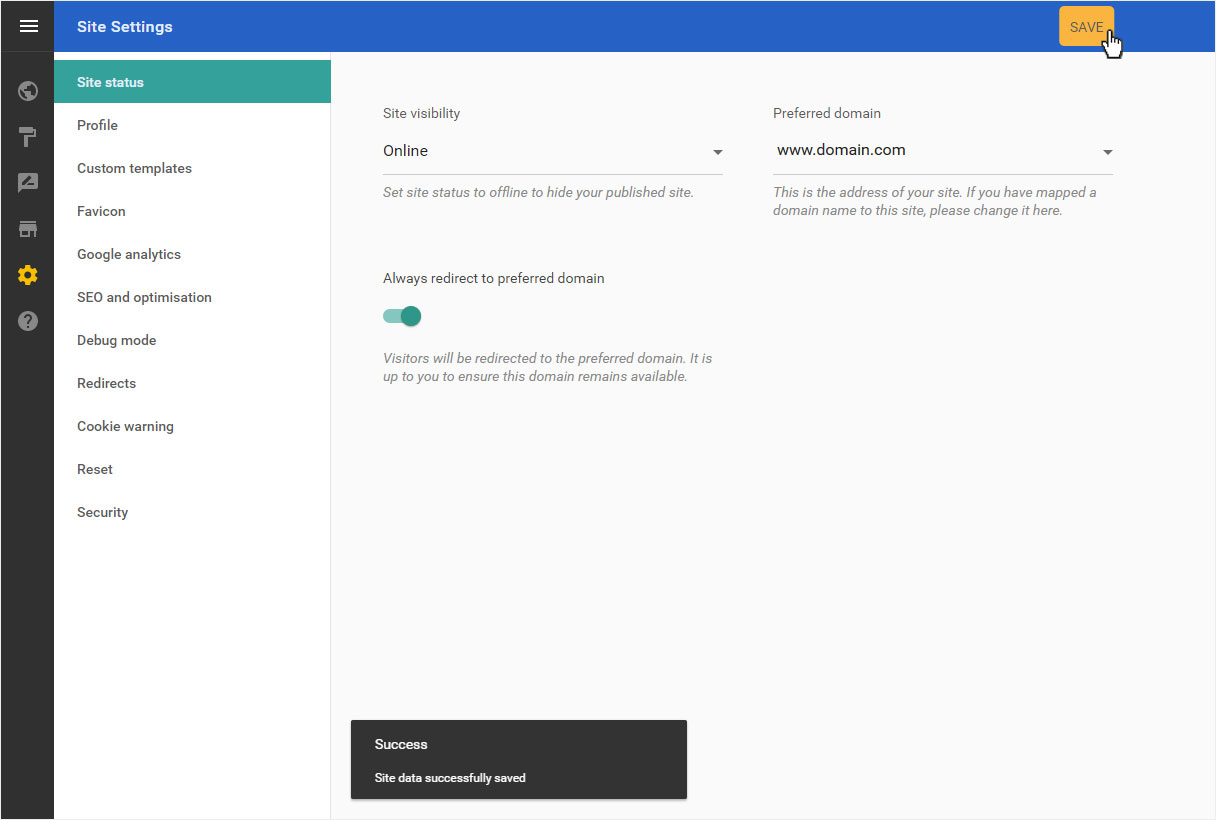
Site status
In the «Site Settings» section. Under «Site status»you can make various general settings for your designer website. Under «Site status» you will find the current publication status of your designer website as well as the domain which is to act as the main domain of your website.
After «logging into Designer», follow these steps:
1. Navigate
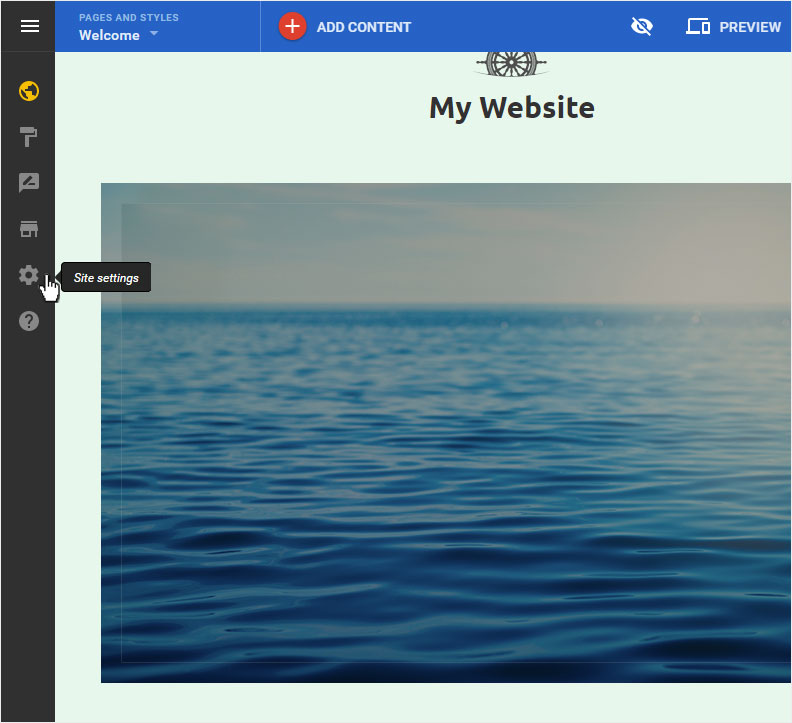
You begin on the home page of Designer's editor and are thus in the «Site editor» view. Click left on the menu item «Site settings».
2. Site status overview
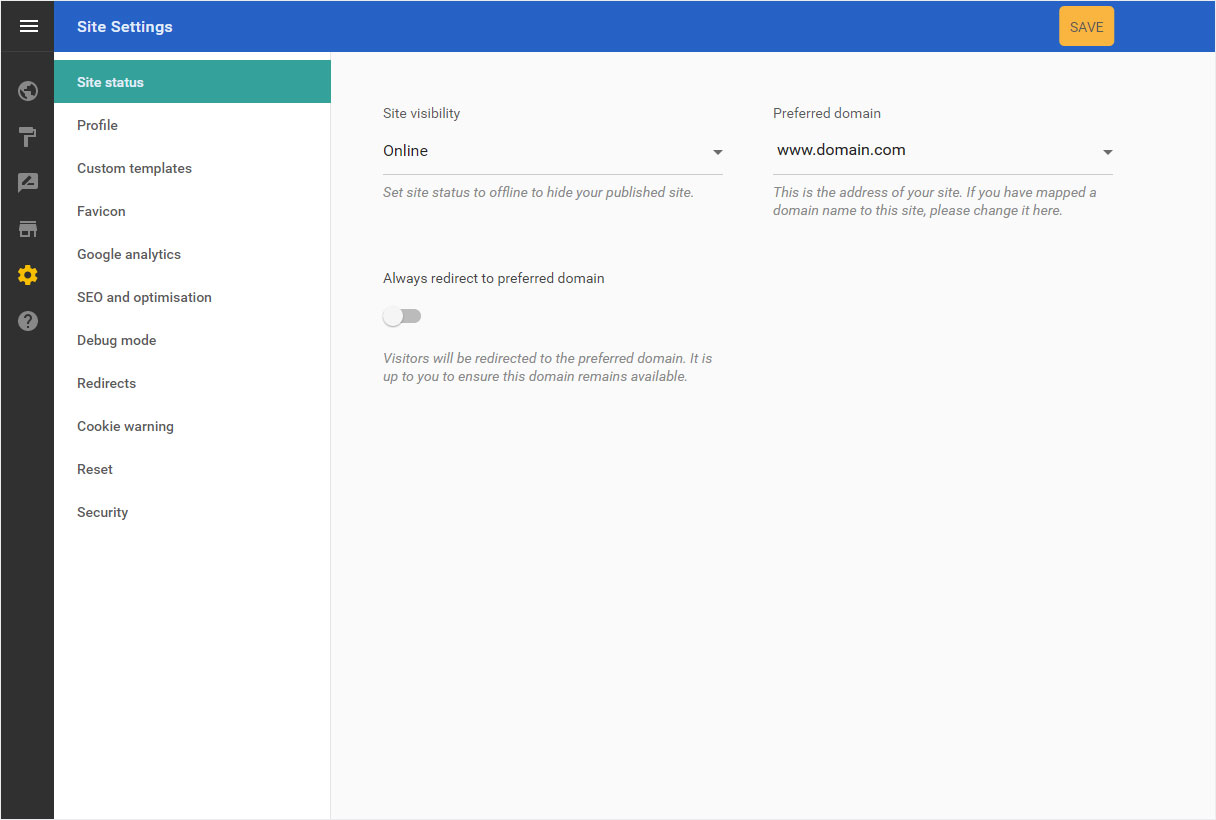
You can now see the «Site status» page of the «Site Settings» area.
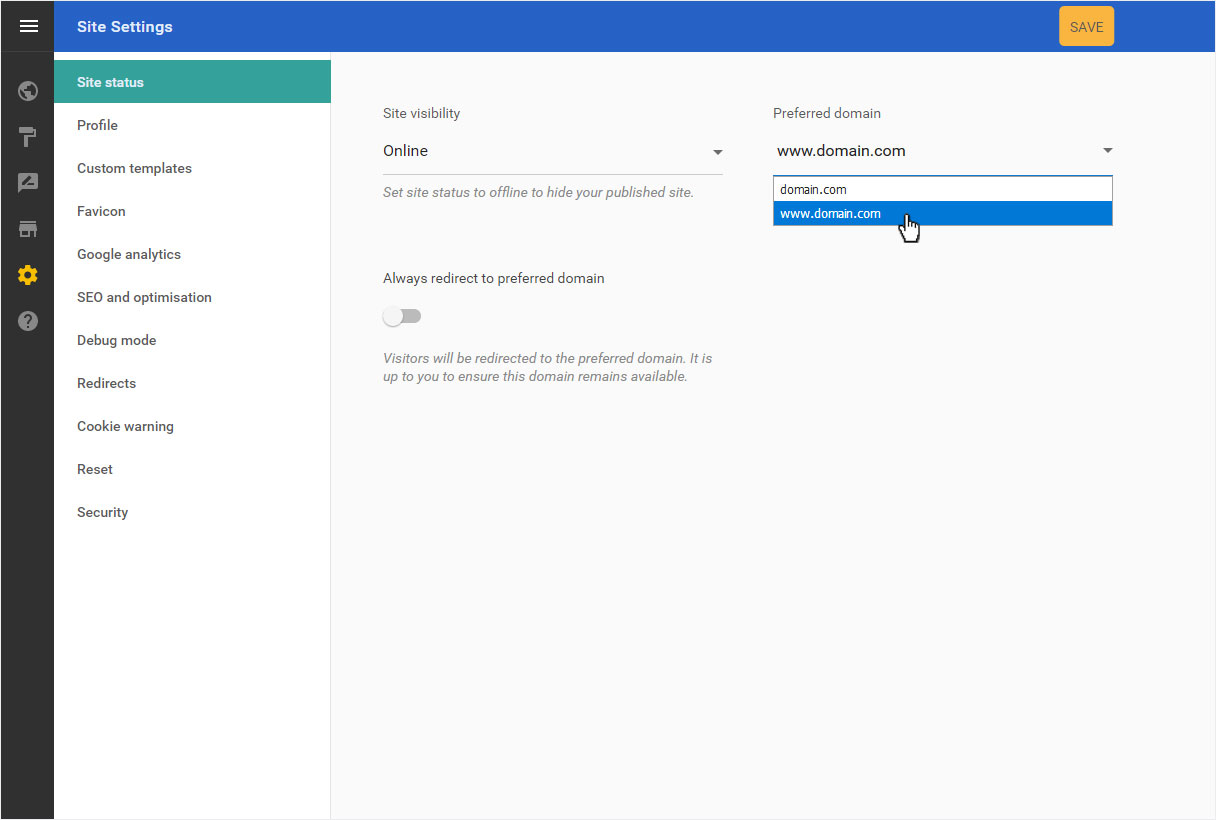
If you have already «published» your website, under «Site visibility» this will be indicated as «Online».
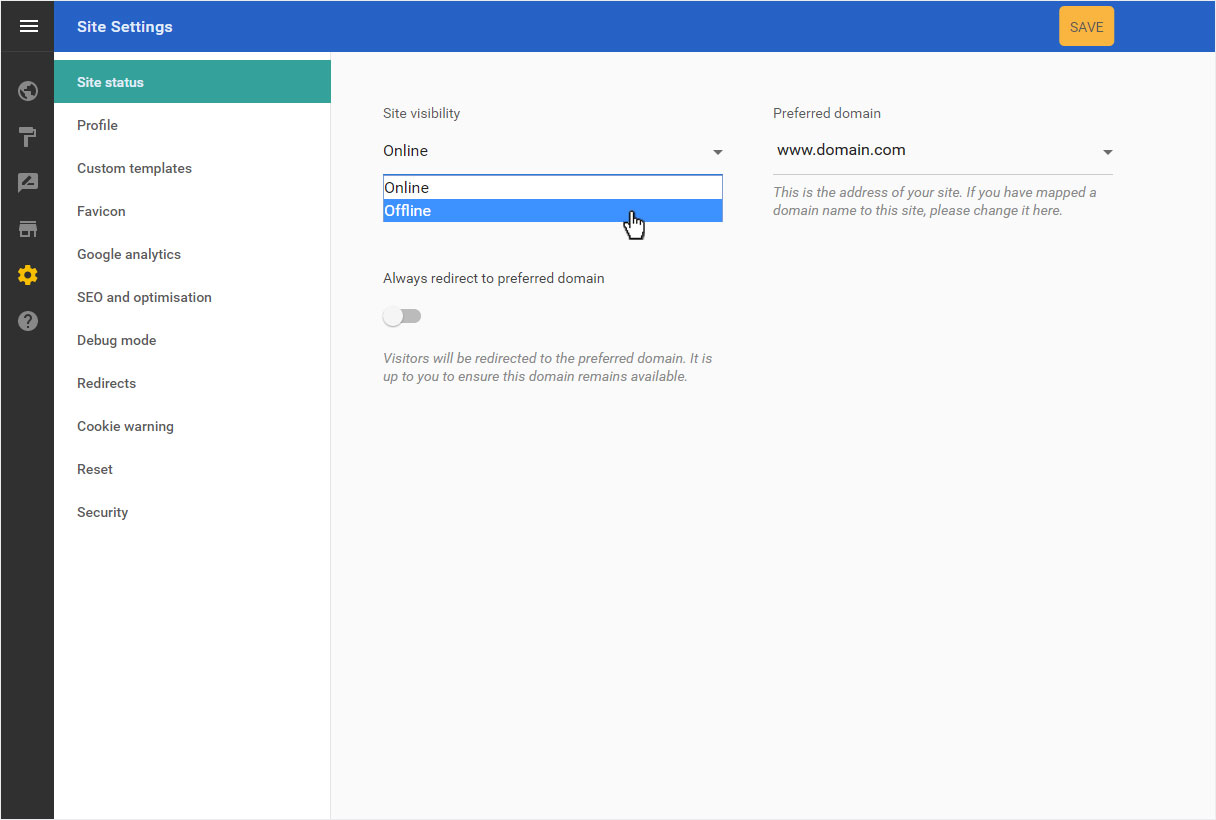
Here you can temporarily take your Designer website «Offline», which makes the published site unavailable until it is republished.
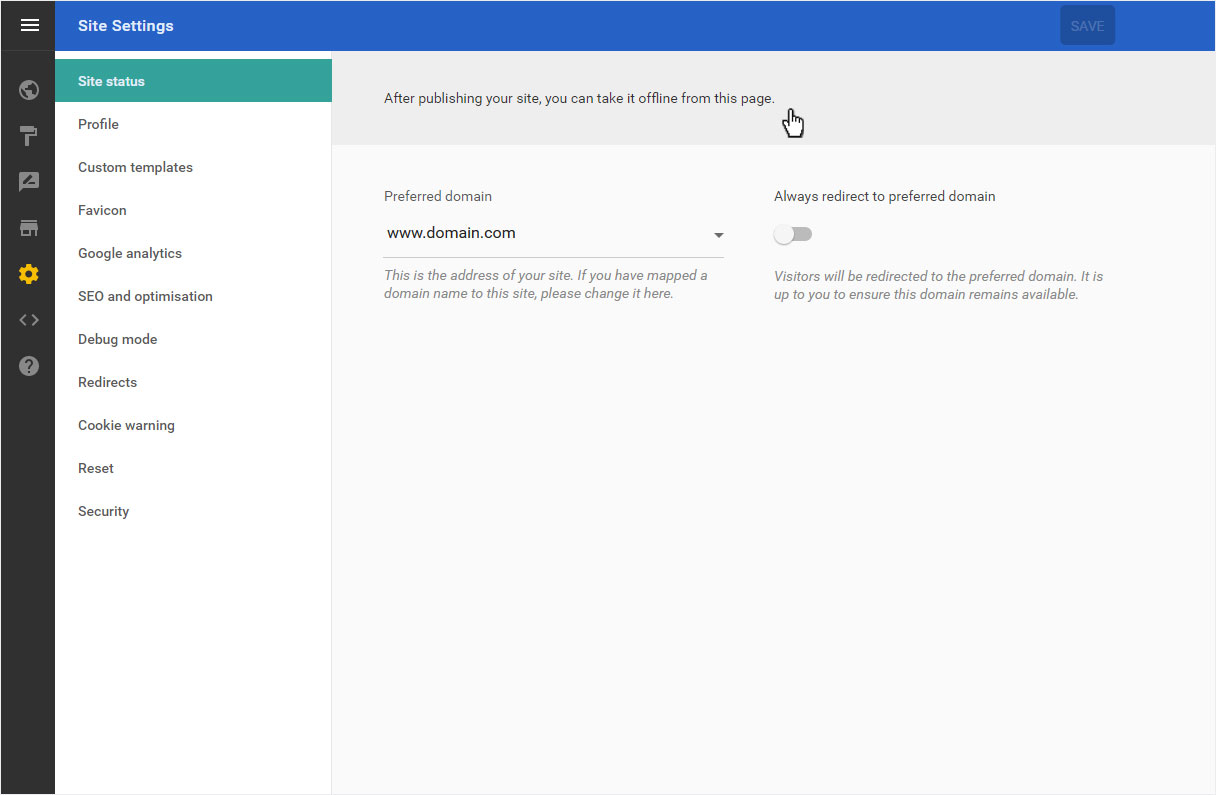
If you have not yet «published» your site, a message indicates this.
3. Preferred domain
Here you can see the preferred address of your Designer website.
If you would like to use another domain name as your site’s address, select it here (this requires that you first «activate multiple domains» in My Panel).
Next, activate «Always redirect to preferred domain». This ensures that all attempts to access all active domains are redirected to the preferred domain, a function that is important in search engine optimisation.
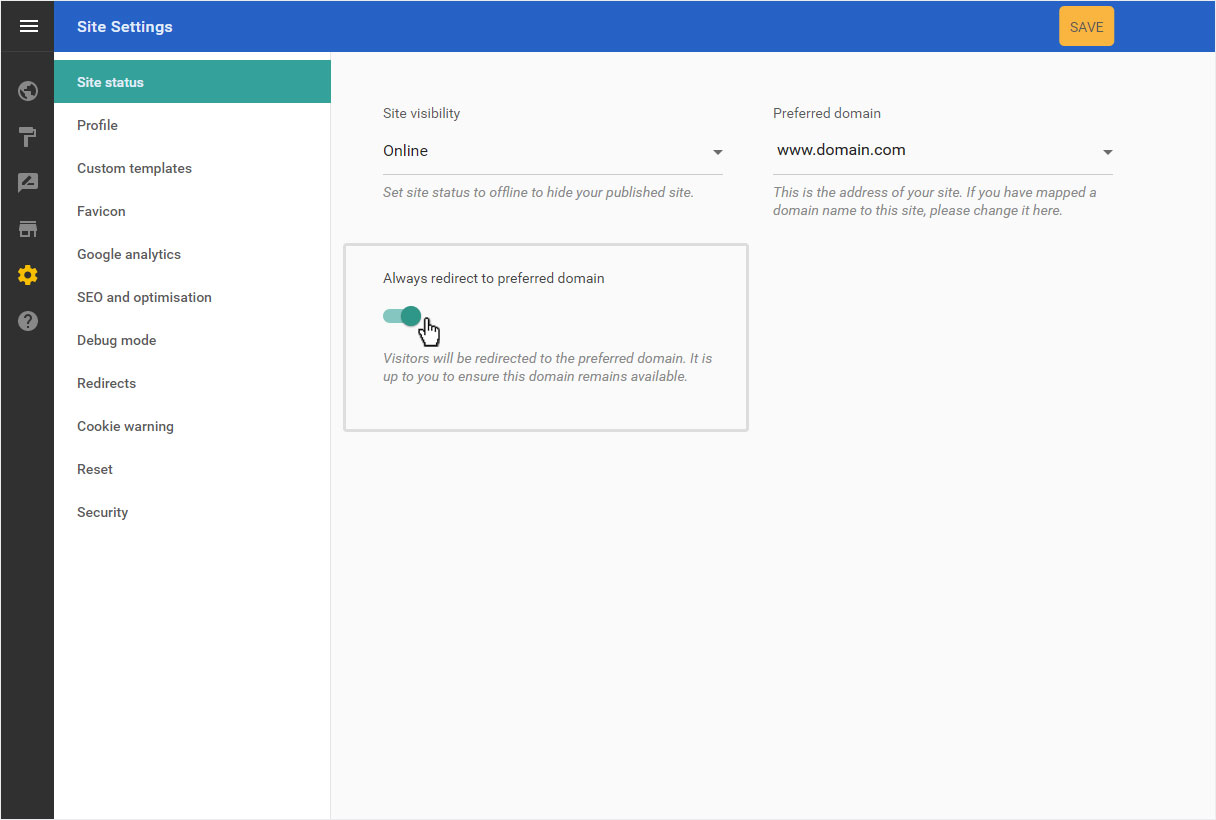
Then click «Save» to save your changes. This is displayed below with a success message.