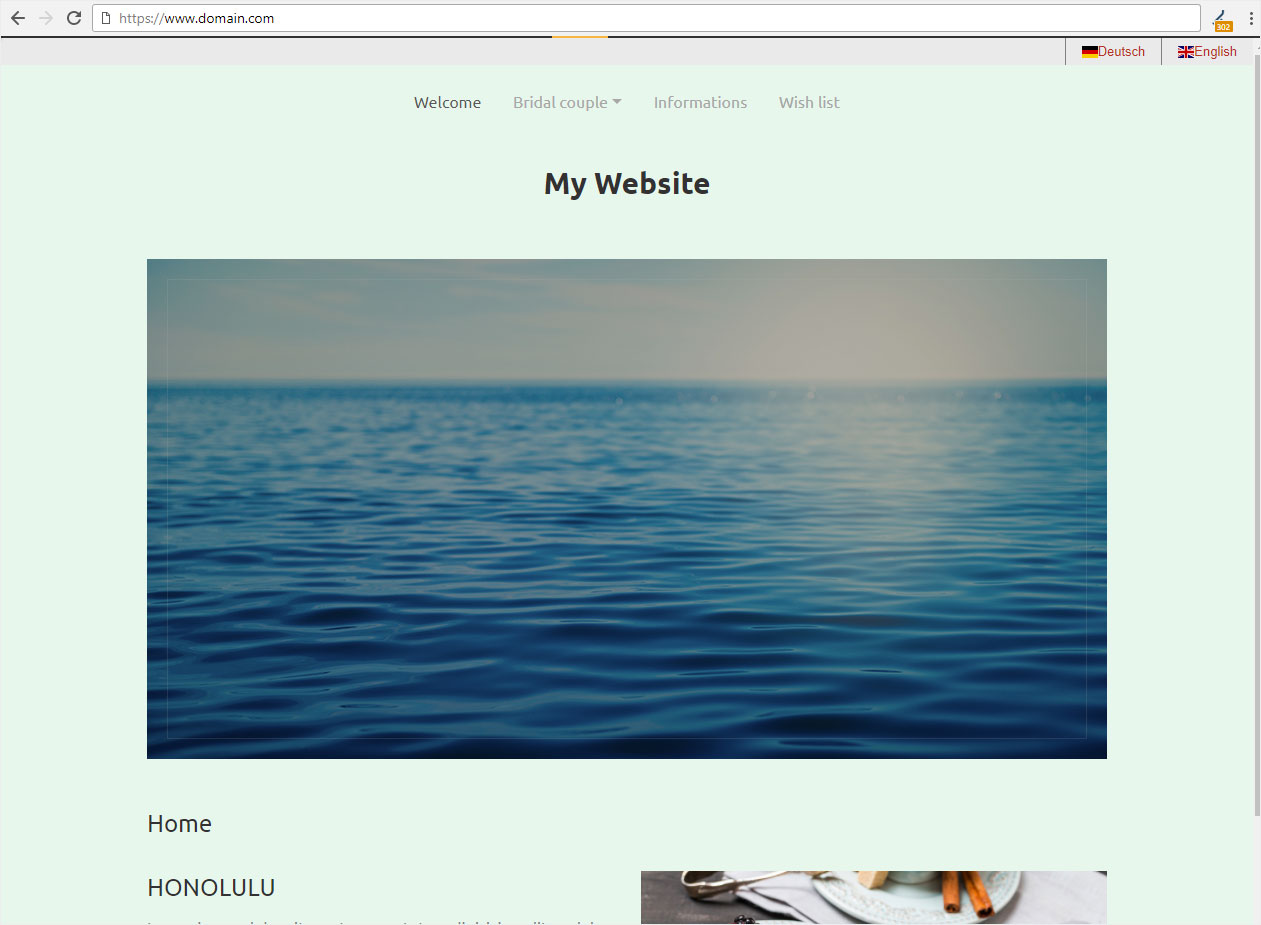
Publish website
Once you have finished setting up your website and would like to publish it, follow these steps:
Enter name servers
First make sure that Hoststar’s name servers have been specified. If this is not the case, follow these instructions: Specify name servers
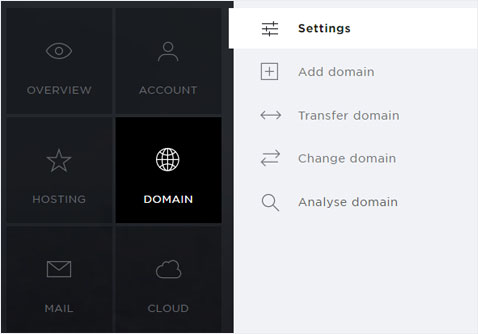
Activate internet access
You also have to activate access over the internet to your Designer website. Proceed as described in these instructions: Activate internet access for Designer
Please note that it can take up to 24 hours before the website is accessible from all devices.
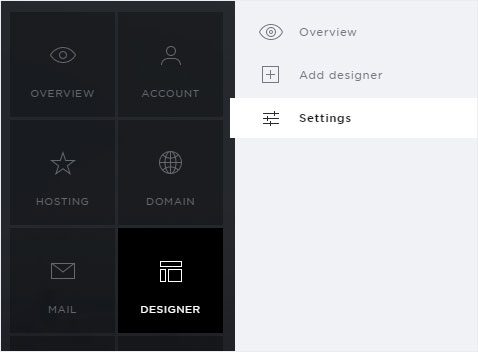
Publish
Once you have successfully completed the steps above, you can publish your Designer website.
Click Publish in the upper menu.
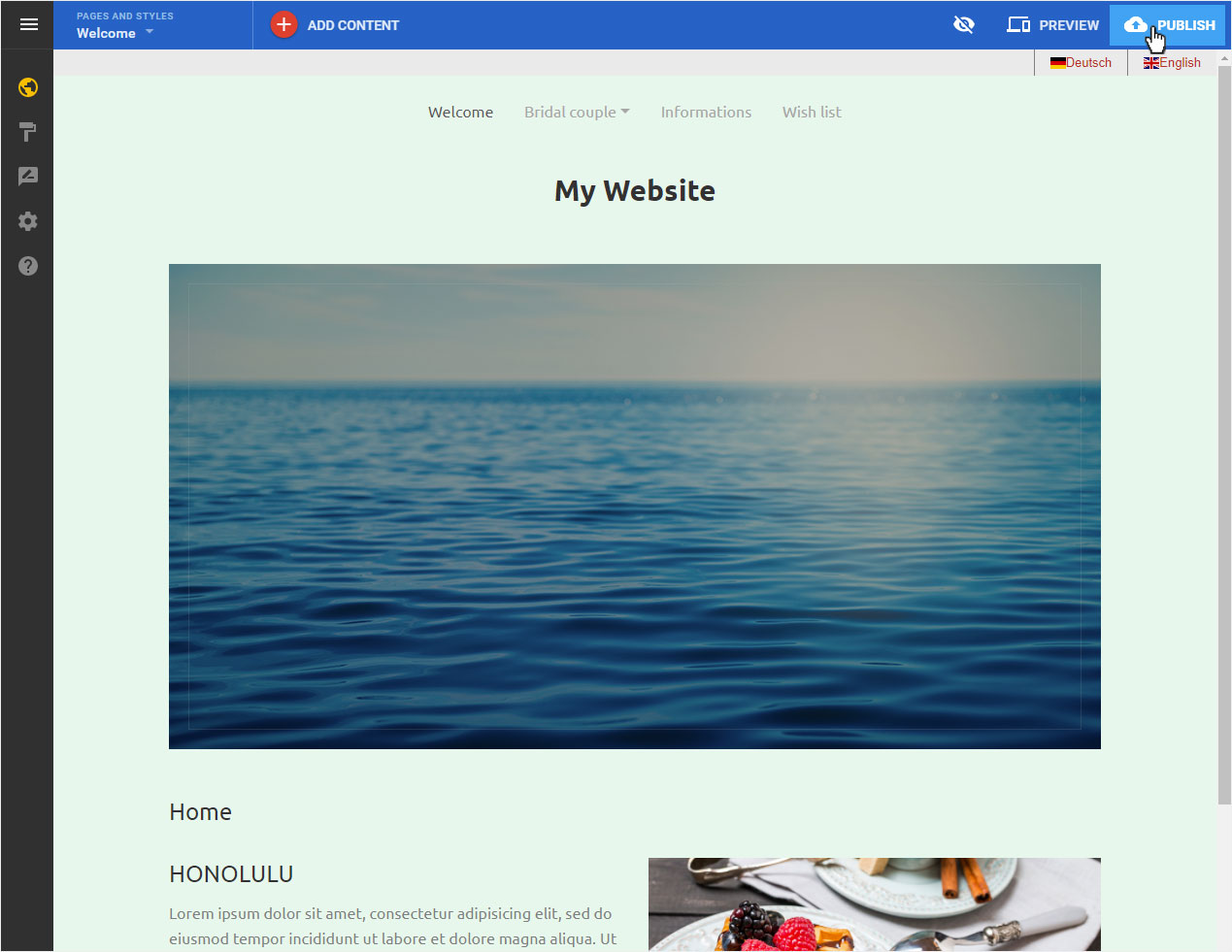
A pop-up windows opens. It shows you the domain under which the Designer website will be published. Then click «Publish».
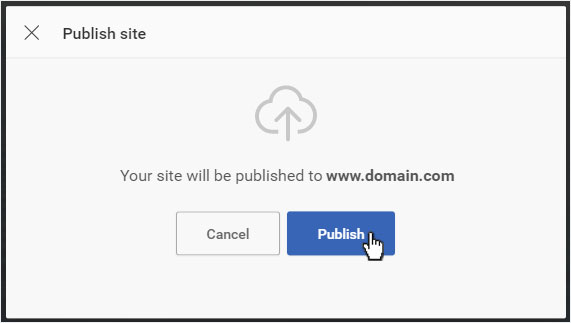
The data will be published. After this the success message will be displayed.
You can now click on Done to retourn to the edit mode.
Or you can click on Visit website.
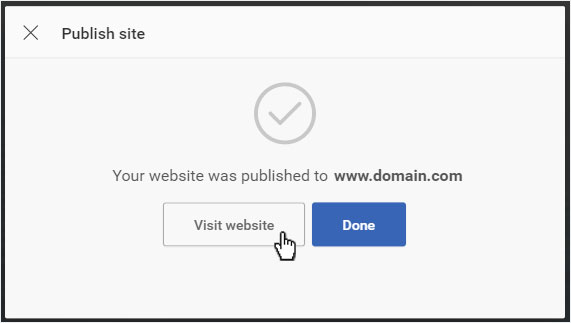
Your website is immediately published and can now be accessed over the Internet. It opens in a new tab.