Custom templates
Starting with the DesignerPlus subscription, Hoststar Designer offers you a developer area and the resulting possibility to add «Custom Templates» to your designer.
After «logging into Designer», follow these steps:
1. Navigate
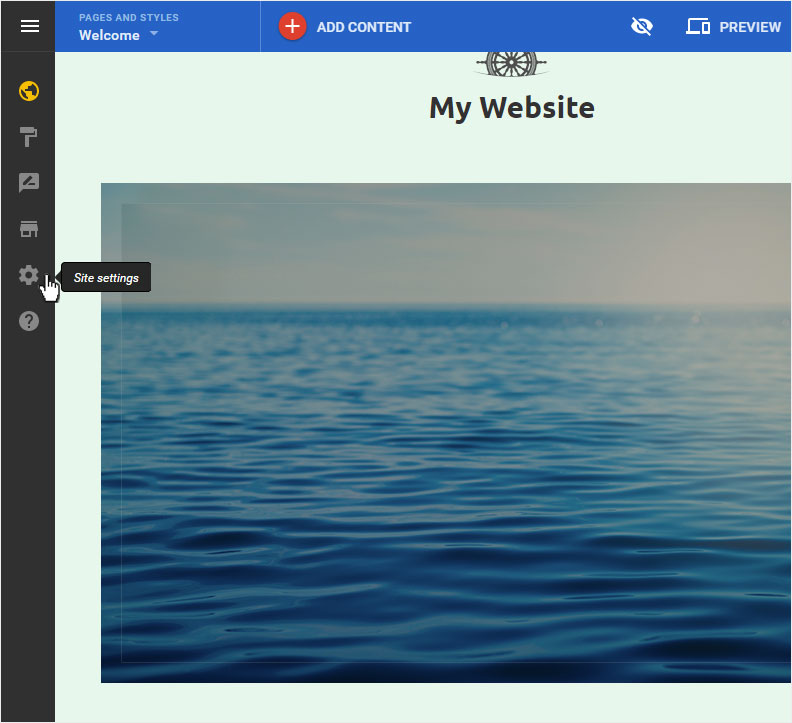
You begin on the home page of Designer's editor and are thus in the «Site editor» view. Click left on the menu item «Site settings».
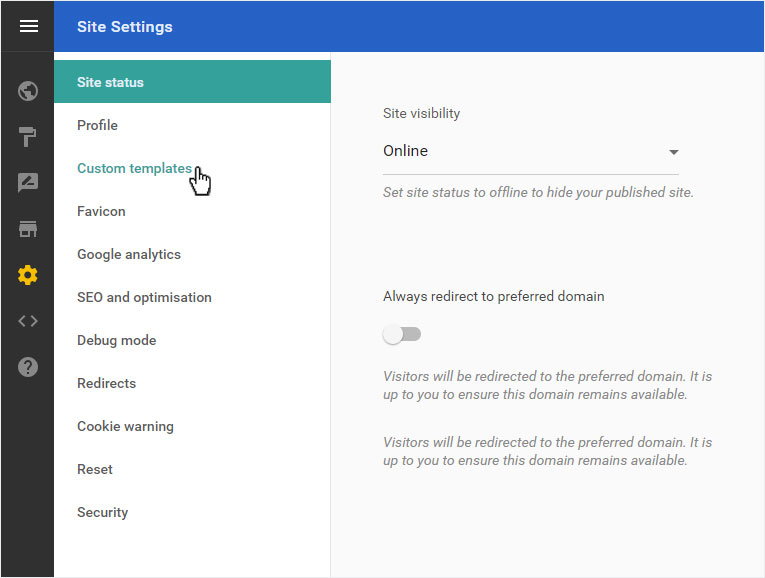
You can now see the «Site status» page of the «Site Settings» area.
Click on «Custom templates» in the menu on the left.
2. Add a template
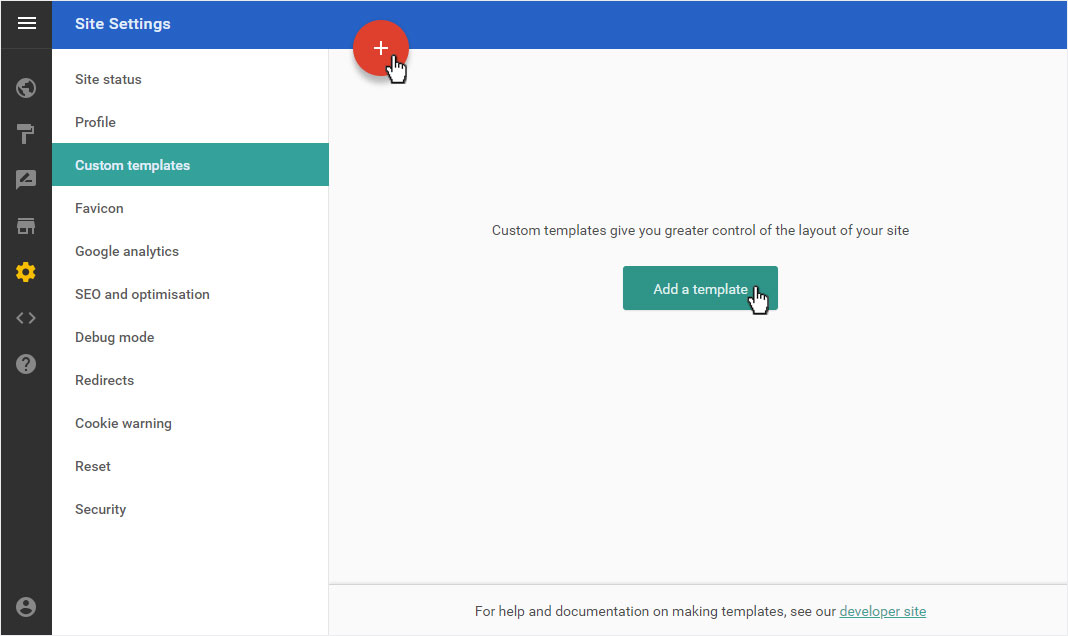
Click here on the «Add a template» button or on the red circle with plus sign.
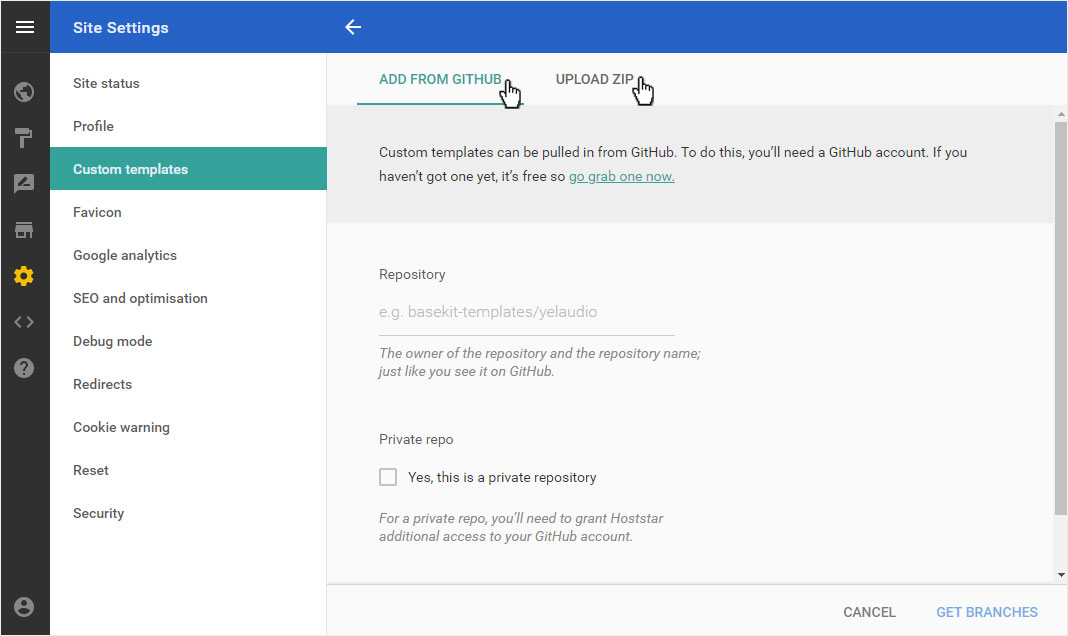
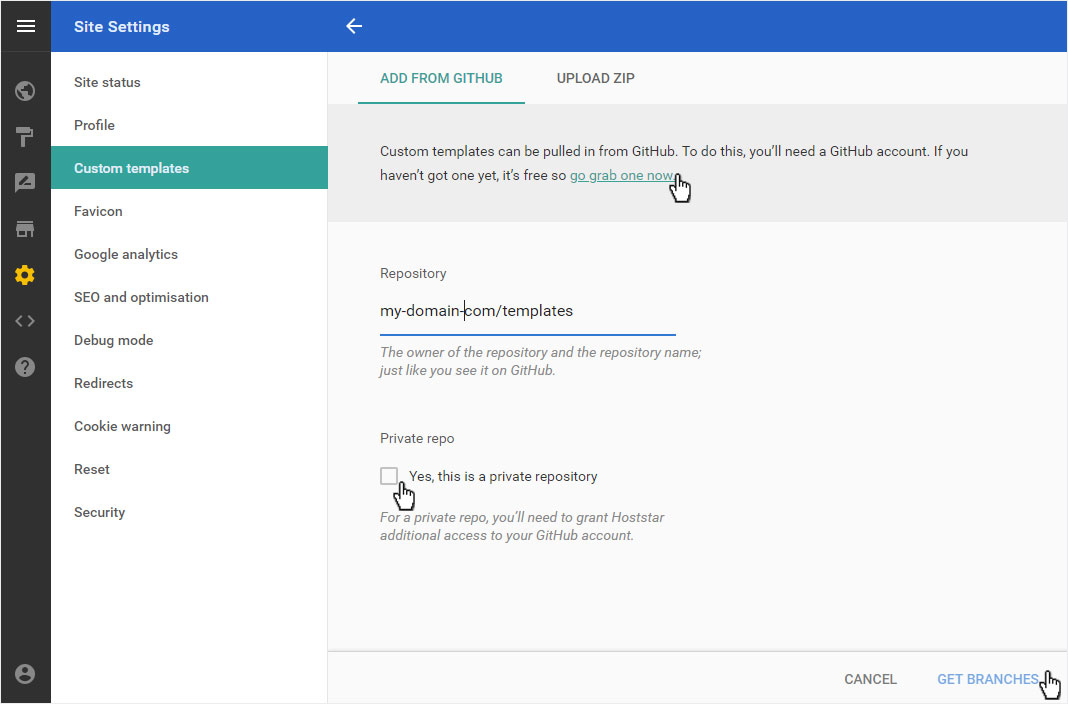
GitHub
The basic requirement is a GitHub account. You can log in and register your account to click on «If you haven’t got one yet, it’s free so go grab one now».
Then enter the name under «Repository», which is also visible under GitHub. Activate «Private Repo» if correct and then click on «Get branches».
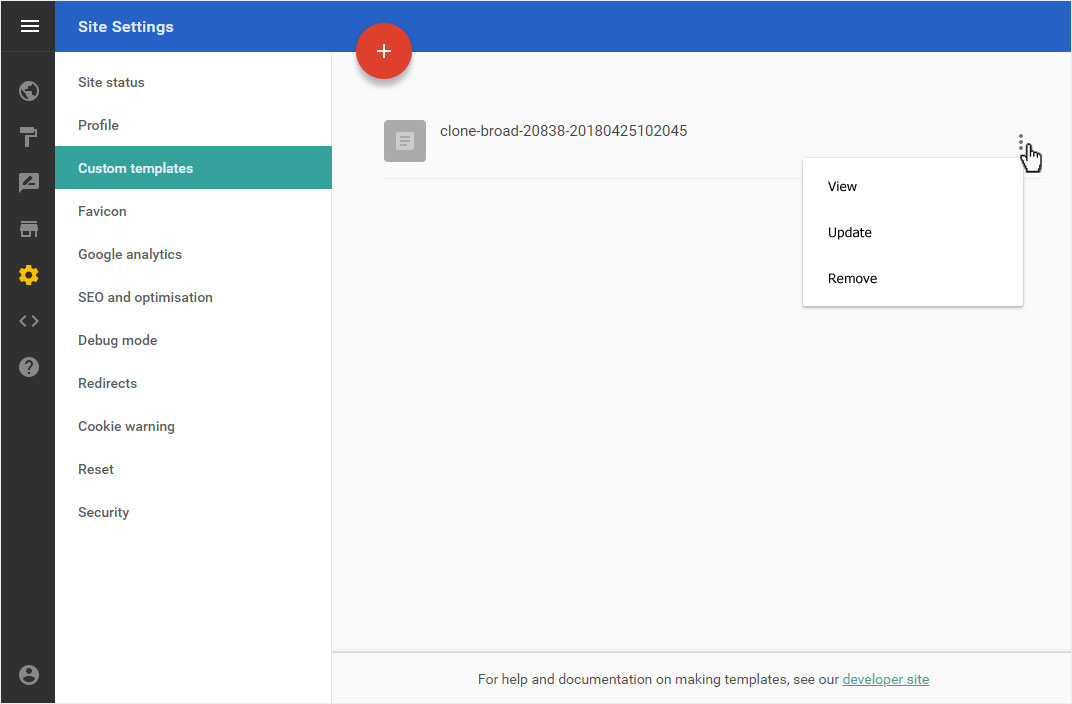
The template is retrieved. This may take a few seconds. You can then use the template in your designer. You can now «View», «Update» or «Remove» this template.
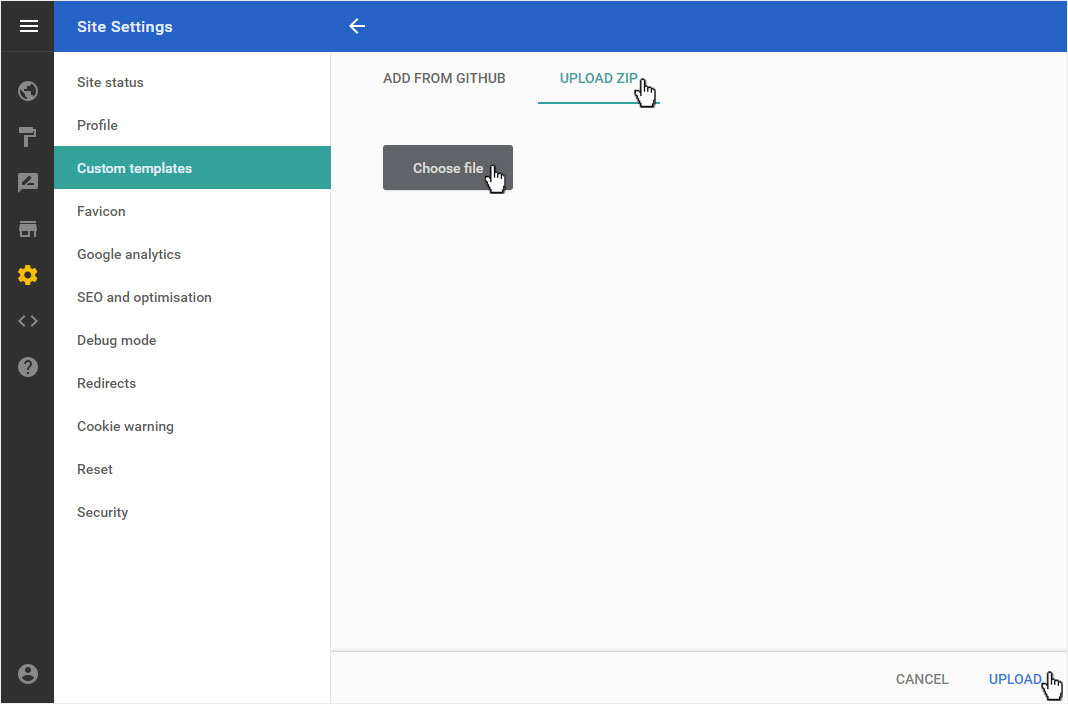
Zip-Datei
After you have selected the «Upload ZIP» area, click on the «Choose file» button. Select the desired ZIP file and then click on «Upload».
The ZIP file is immediately uploaded and activated. The template zip appears in the overview. You can then use the template in your designer. You can now «View», «Update» or «Remove» this template.