Switching accounts (Change / Extension)
Demands and needs can change over time. At Hoststar, you can change your subscriptions to a larger or smaller subscription at any time with the click of a button.
ABO-UPDATES: we recommend immediately after the new subscription re-billing, as the difference amount from smaller to larger subscription will be charged immediately after your request.
ABO-DOWNGRADES: we recommend to make shortly before the re-invoicing, as already paid subscription fees cannot be refunded by the larger package.
To change or upgrade your subscription, proceed as follows:
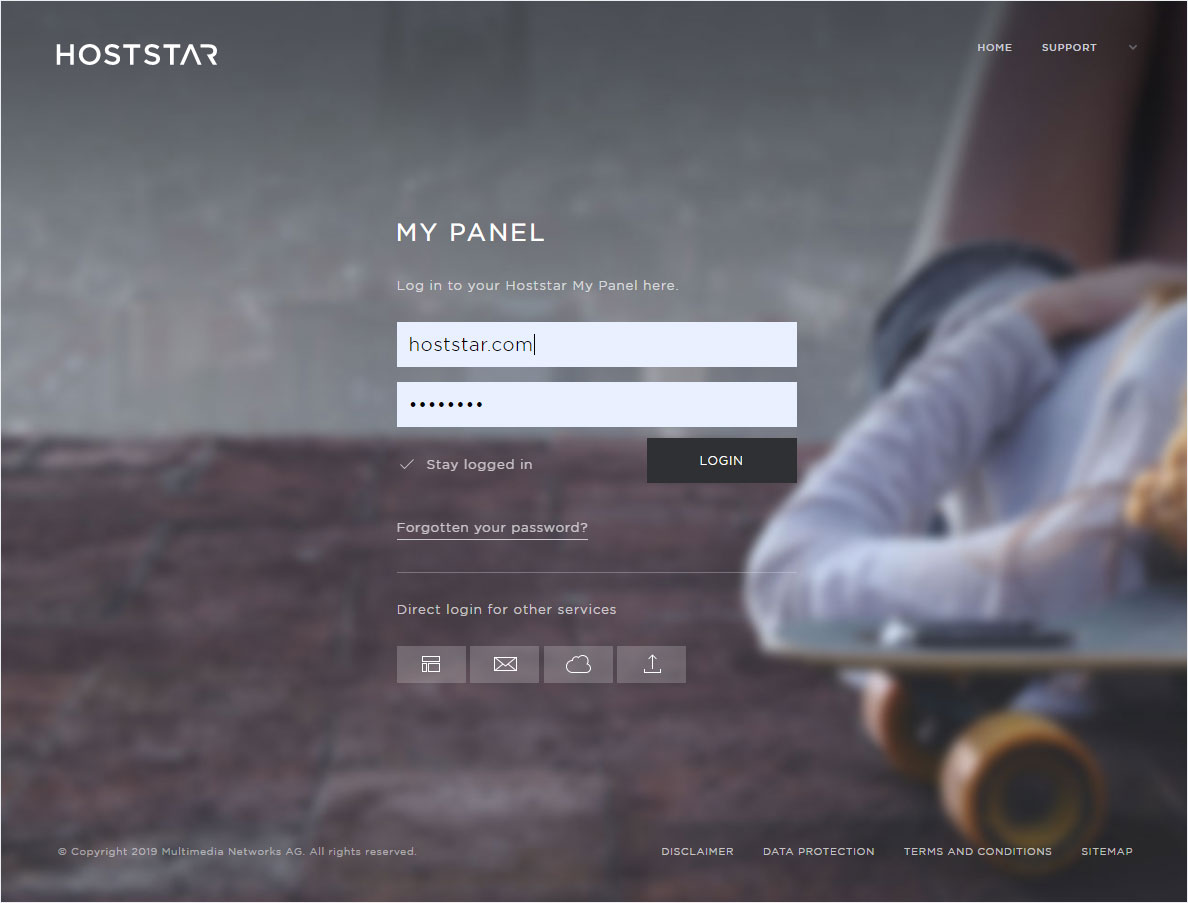
Overview
Your subscriptions are listed under the menu item Account – Subscriptions.
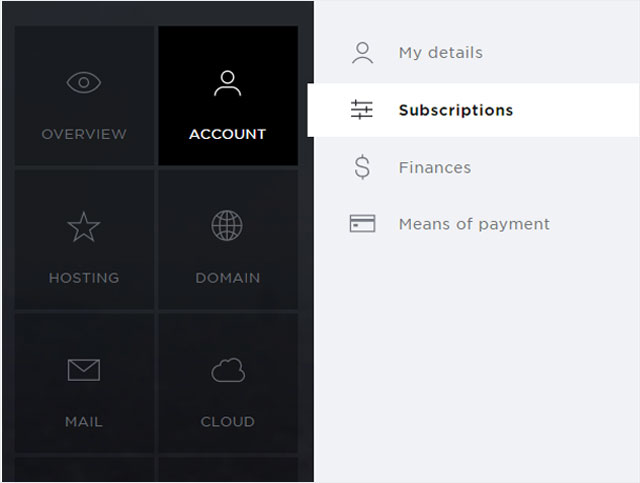
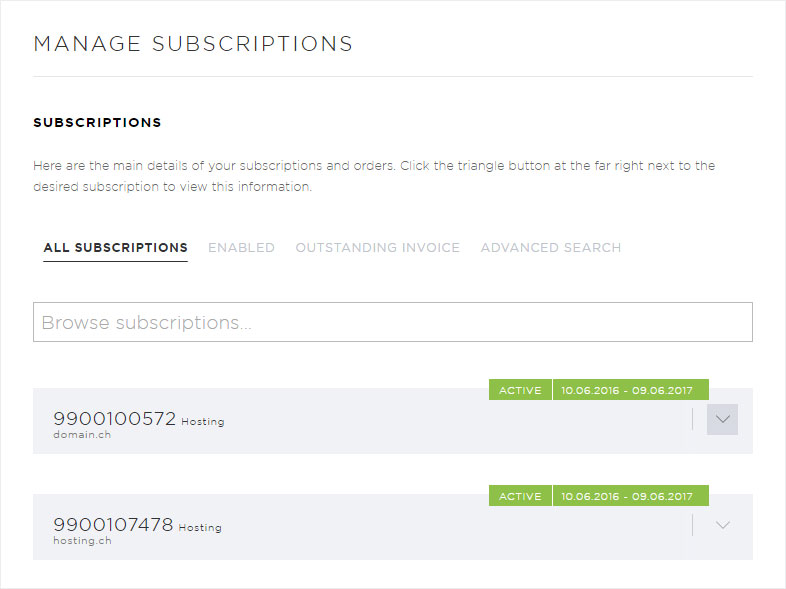
Selection
Click on the drop-down arrow for the subscription you want.
Display
The detailed view of the desired subscription is displayed.
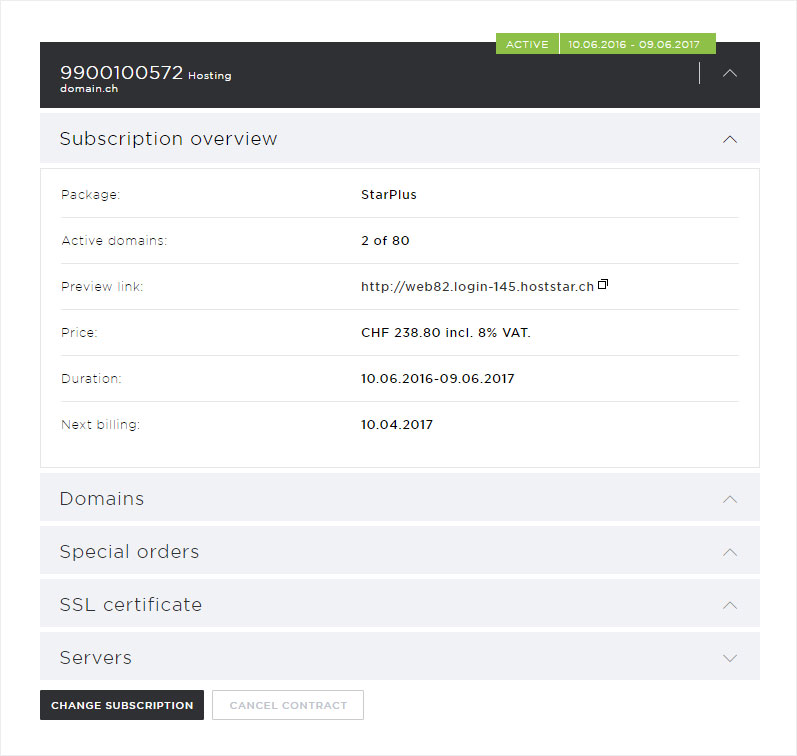
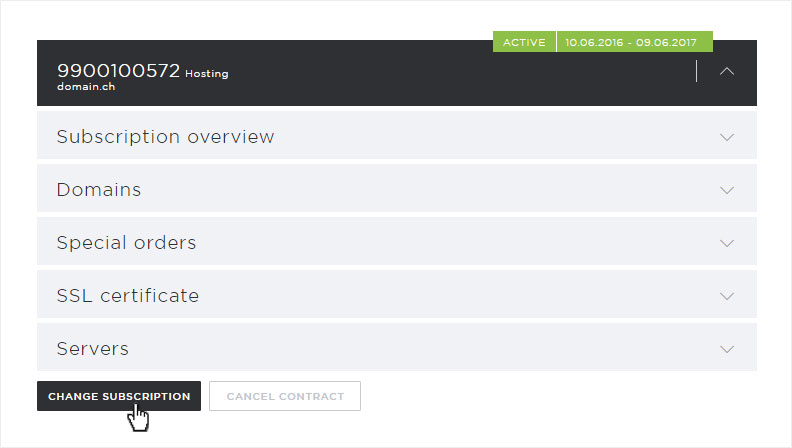
Button
Under these details you will find the button Change subscription.
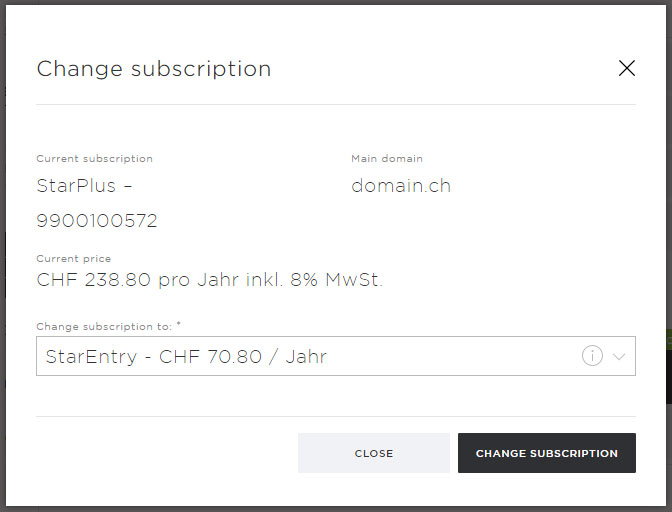
Adapt
You can now change the corresponding subscription to a larger or smaller package by selecting the desired subscription package under Change subscription to via drop-down arrow and clicking Next. By doing so, you confirm the subscription adjustment at the same time.
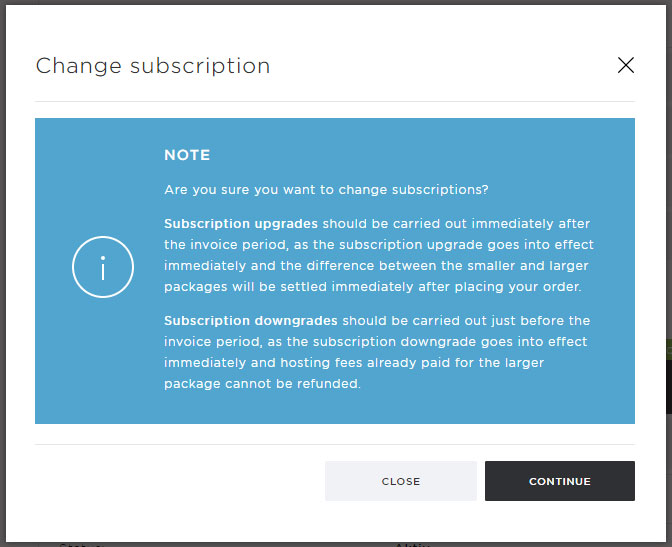
Confirm adjustment
Please confirm the subscription change by carefully reading the notice that now appears and, if you agree, click on the Continue button.
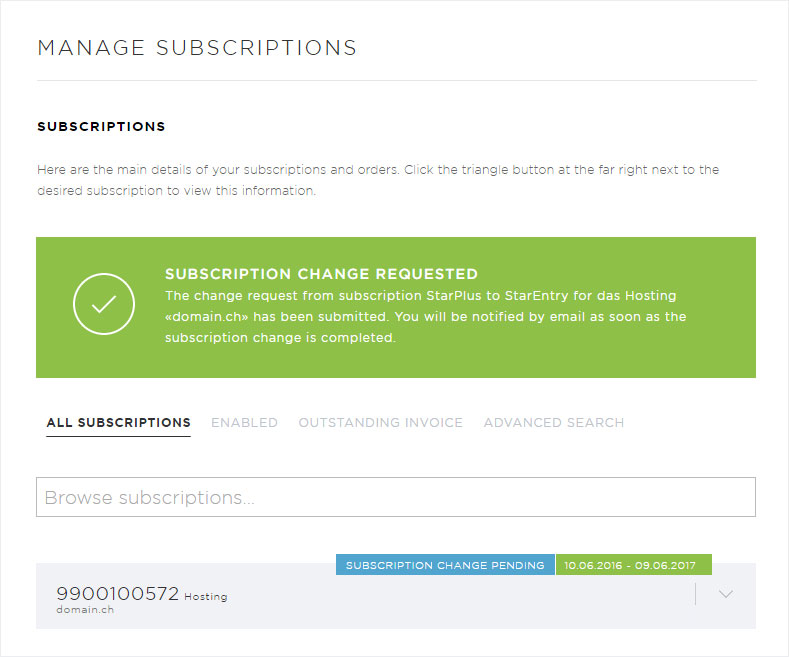
Application successful
The note Subscription change requested appears, which shows you that we have successfully received the request. The note Subscription change pending is also added to the corresponding subscription.
For further information on how to proceed, please refer to the confirmation email you will receive after your application.