Reset
If you no longer want to use your current Designer website, for example because you want to create a completely different website with Designer, you can reset your website with one click.
Please note that all uploaded images as well as any blog, domain, shop, product and menu settings are not reset and therefore stay as they are.
After «logging into Designer», follow these steps:
1. Navigate
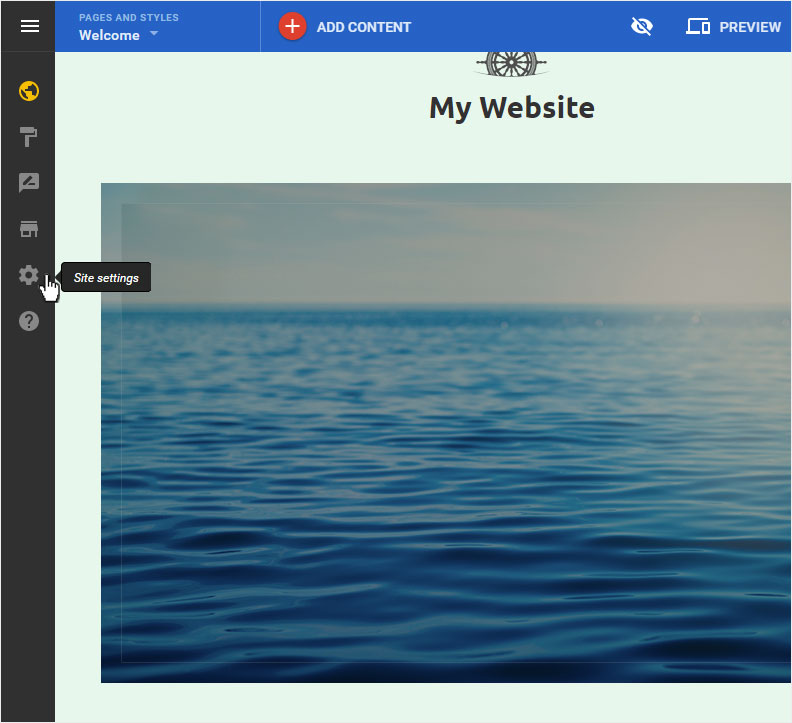
You begin on the home page of Designer's editor and are thus in the «Site editor» view. Click left on the menu item «Site settings».
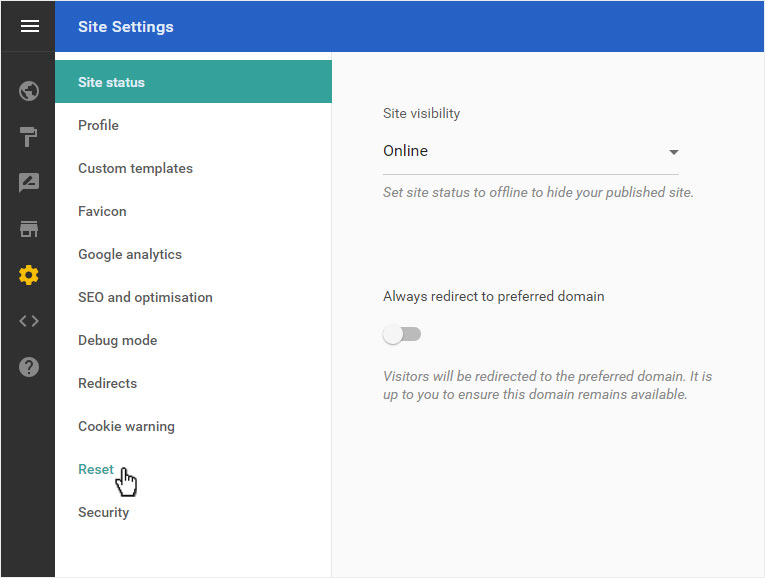
You can now see the «Site status» page of the «Site Settings» area. Click on «Reset» in the menu on the left.
2. Reset overview
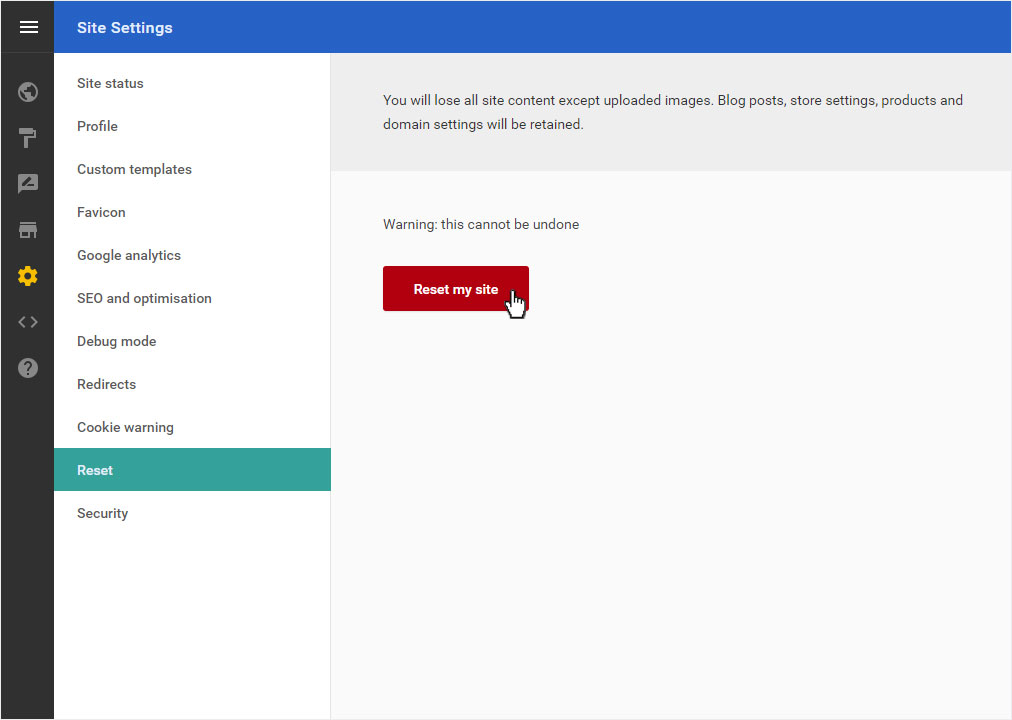
Here you see main information about this action. Read the information carefully. A «Reset» cannot be undone!
If you are sure that you want to start over, click on «Reset my site».
3. Warning
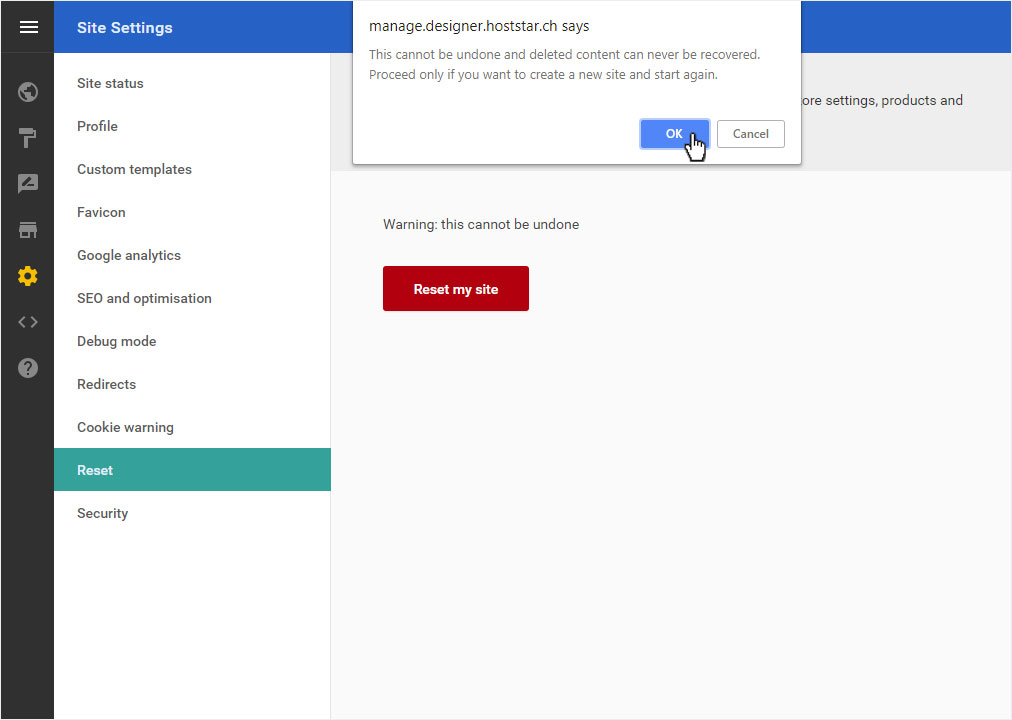
A warning message appears. Here you are reminded once again that this action cannot be undone and will permanently delete the content. If you are sure that you want to reset the site, click «OK».
4. Confirm
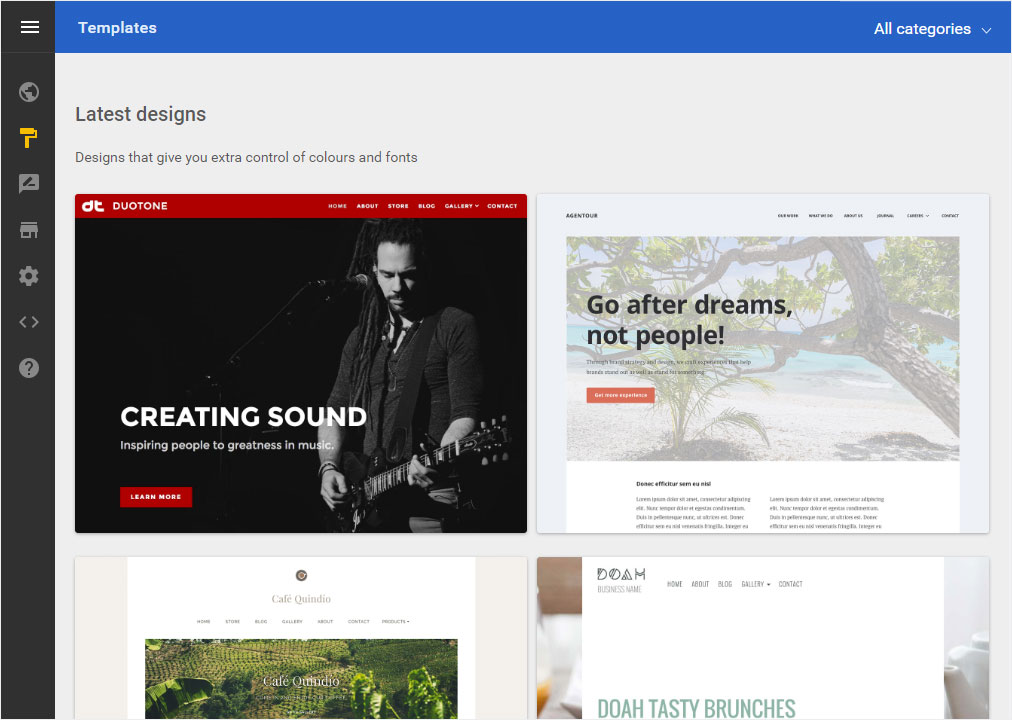
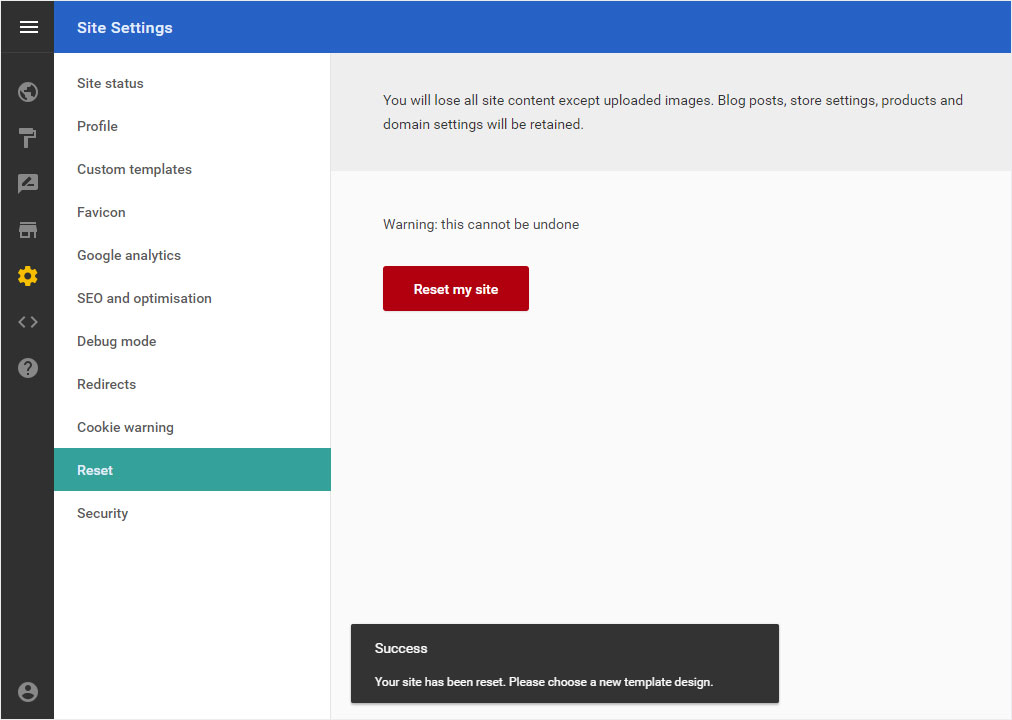
The site is reset. A confirmation message will be displayed below during the process. It informs you that the data has been deleted and the site reset. You will also be informed about the next step, namely the selection of the design template.
5. Design template
The «Templates» area is then displayed. Now begin to design your website as described in «Getting started».