Contact

hs-icon-callcenter
Chiamare
hs-icon-callcenter

Contattateci telefonicamente

Che abbiate questioni di carattere tecnico o amministrativo, il nostro team di assistenza sarà lieto di aiutarvi. Saremo al vostro servizio personalmente!


+41 (0)84 800 80 80
(Chiamate dalla Svizzera 8 cent./al minuto)

Hotline amministrativa

Dal lunedì al venerdì
dalle ore 8.00 alle ore 12.00
 

Hotline tecnica

Dal lunedì al venerdì
dalle ore 8.00 alle ore 12.00

hs-icon-doc-write
Scrivere
hs-icon-doc-write

Inviateci un’e-mail

Affinché possiamo assistervi quanto più rapidamente e al meglio delle nostre possibilità, vi preghiamo di formulare la vostra richiesta nel modo più dettagliato possibile. Siamo raggiungibili anche presso il nostro indirizzo e-mail: support@hoststar.com

Tutti i campi contrassegnati da un «*» sono obbligatori e devono essere compilati.


Page content background color

Supporto > > Seiten-Editor

Depending on the template you use, some content elements have their own background colour. If you use the site background type Solid colour, you can change these content backgrounds too.

After logging into Designer, follow these steps:

Navigate

You begin on the home page of Designer's editor and are thus in the Site editor view. Click on Pages and Styles on the blue header bar.
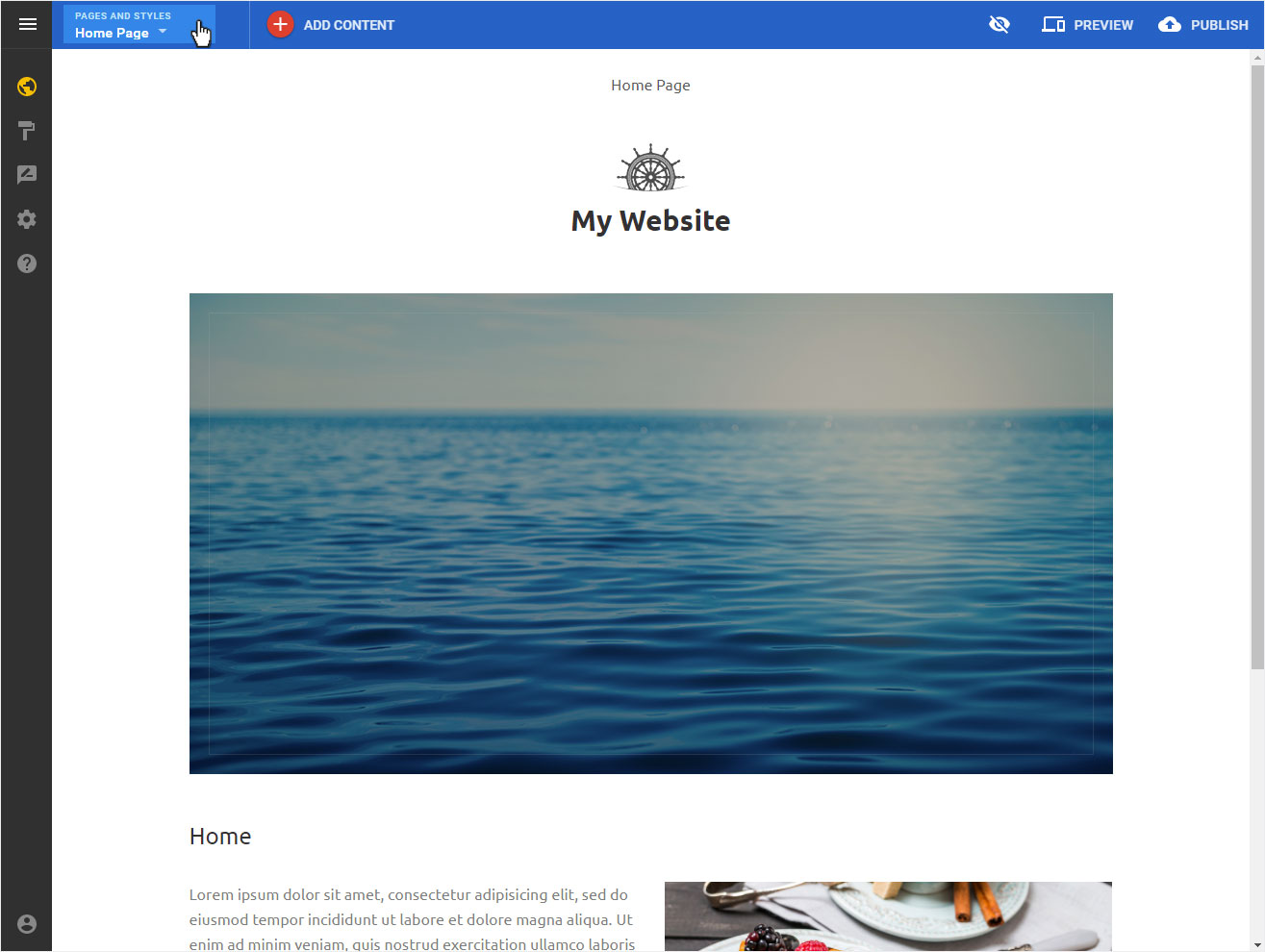
The following view opens with these options:

  • Reordering pages and folders
  • Site styles
  • Site scripts

Click on Site styles in the undermost area.
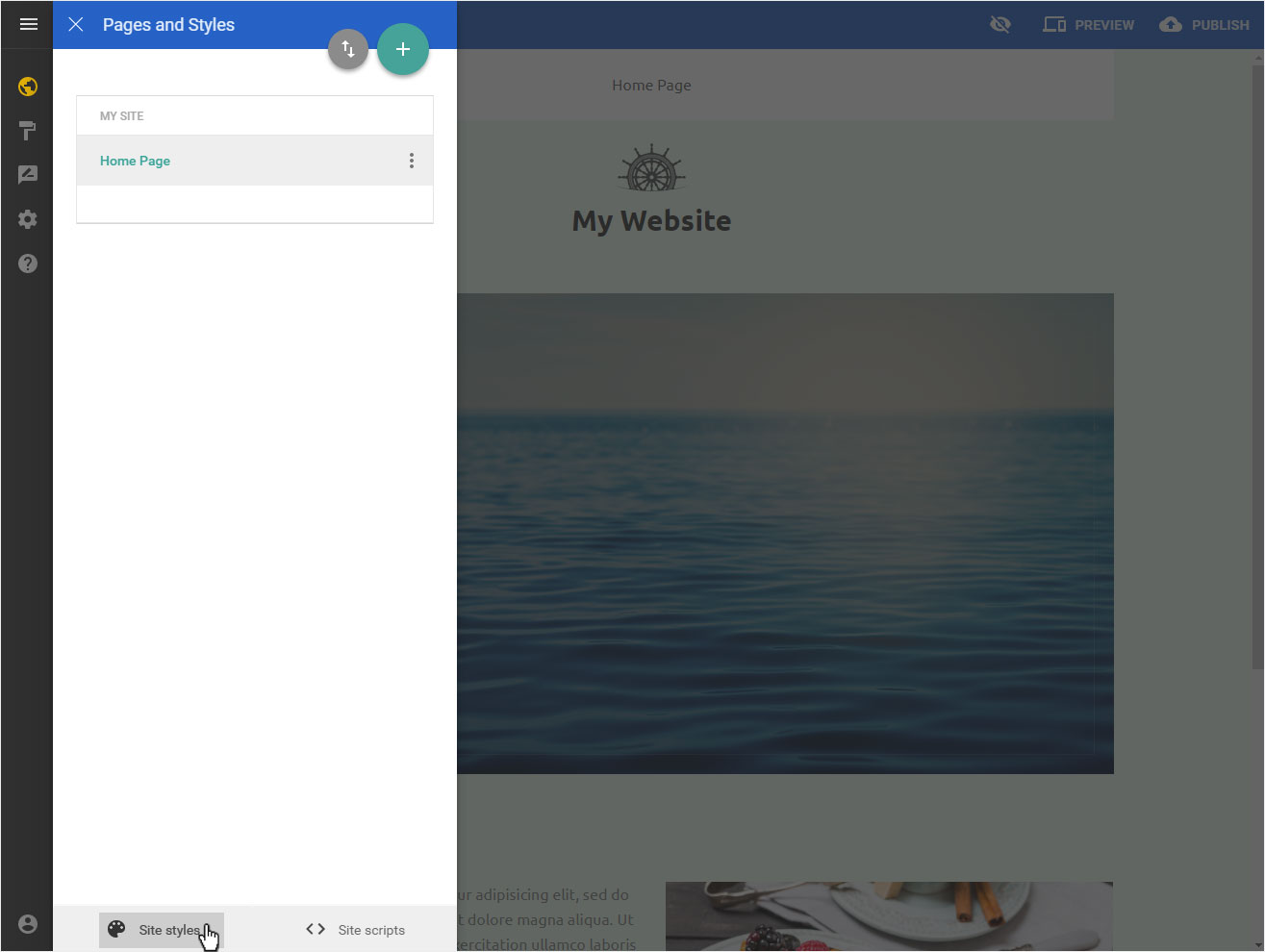
Set global styles background

Site Body Background under Global styles is still set as white. To change this solid colour background, click by Site Body Background on the corresponding colour tile.
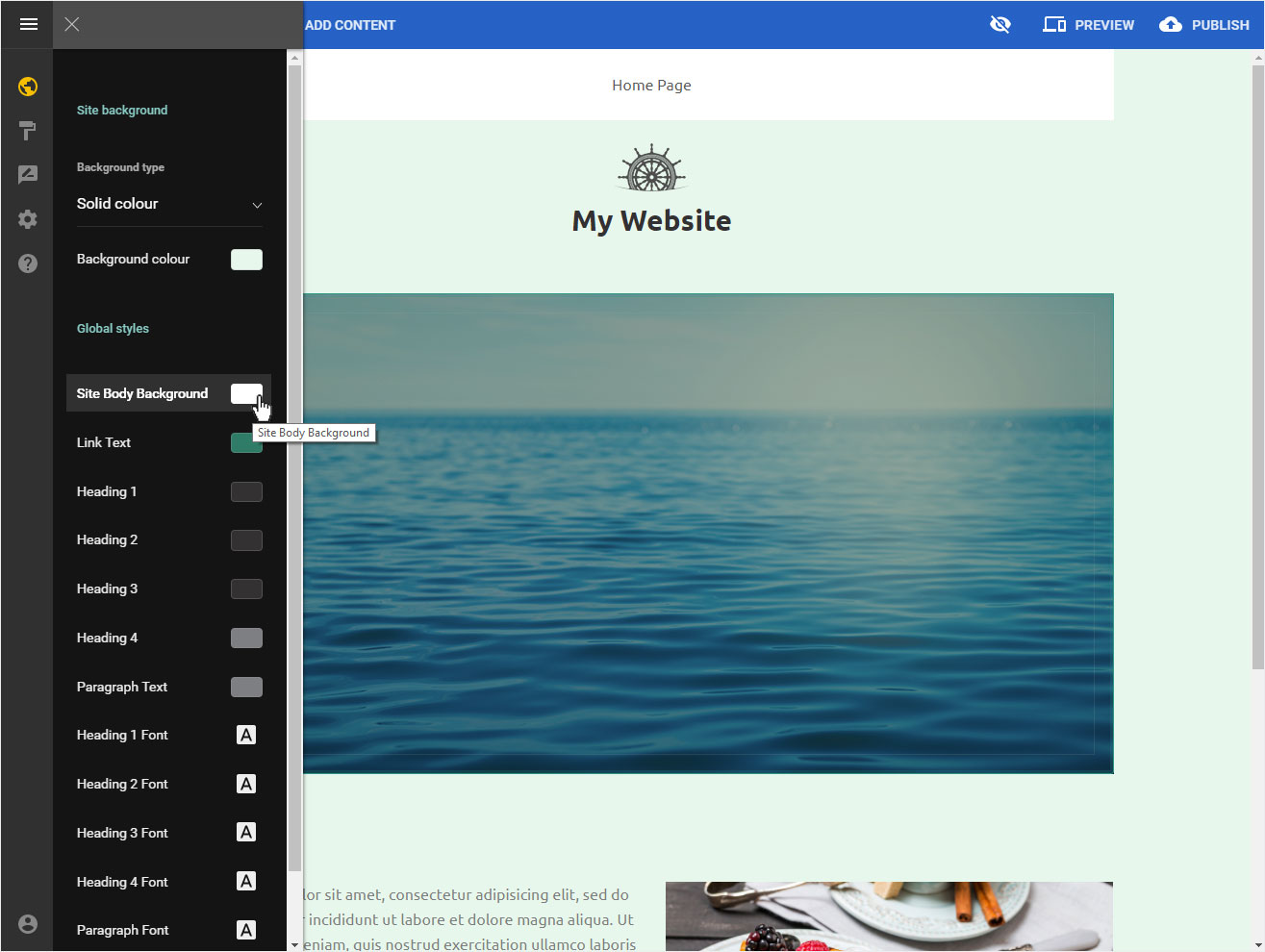
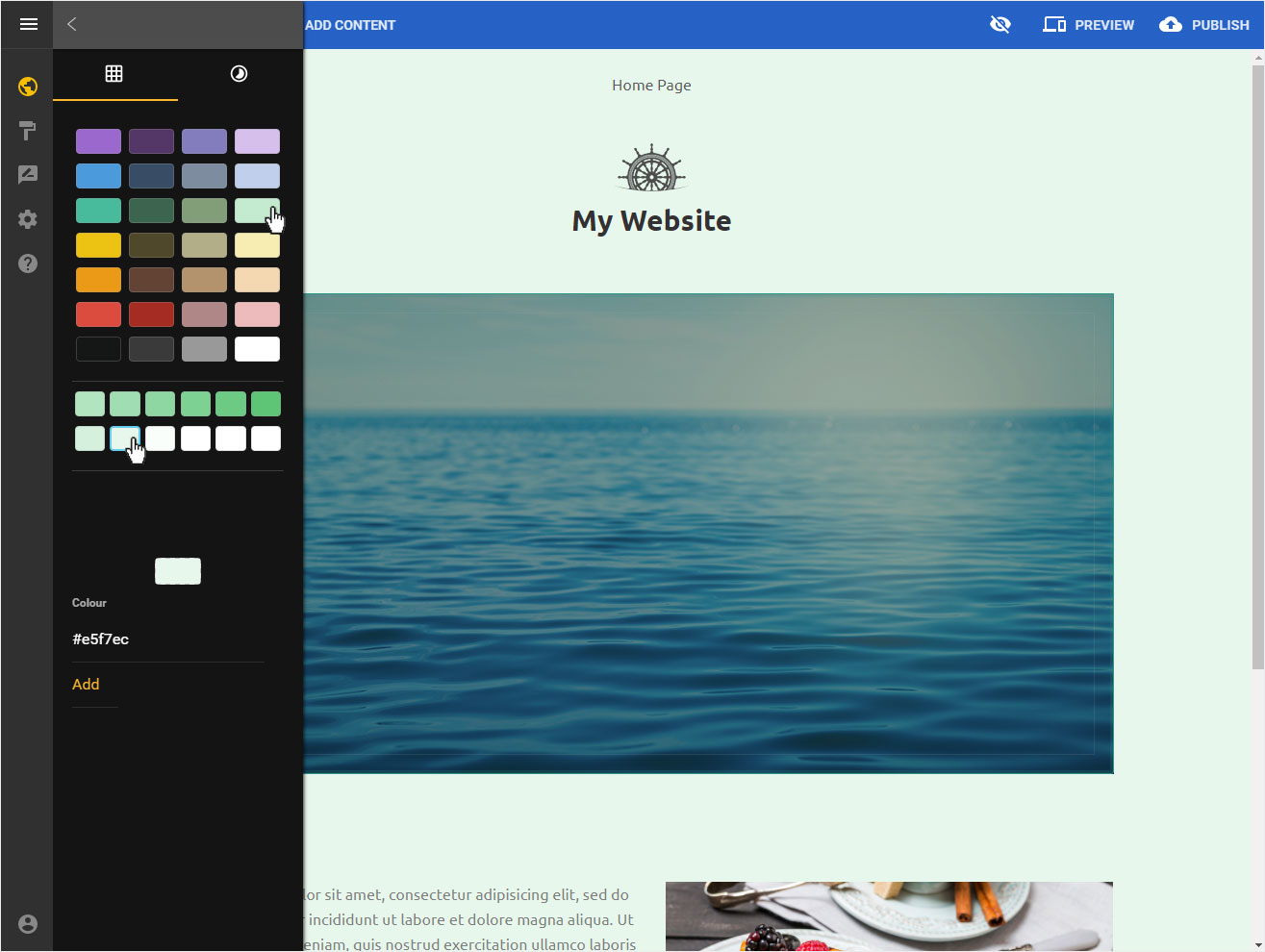
Now select the desired color or enter the color value and save your definition by clicking on the Back icon.
Questo articolo è stato utile?
Grazie per il vostro feedback!