Product import
If you have already entered products, you can upload or import them via .csv file into the designer's shop.
After logging into Designer, follow these steps:
1. Navigation
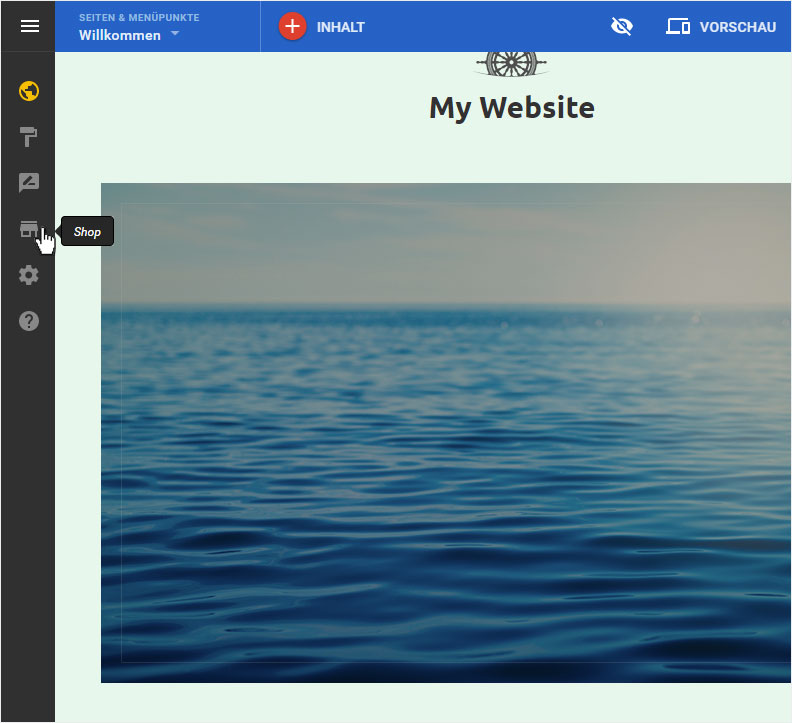
You begin on the home page of Designer's editor and are thus in the «Site editor» view. Click left on the menu item «Store».
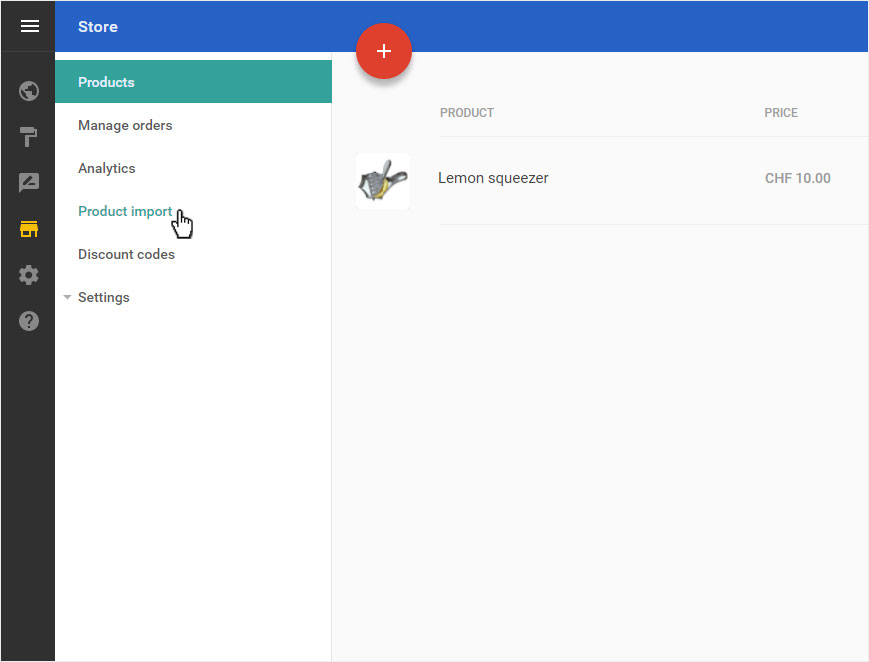
You will be automatically redirected to the «Products overview» page. Click on «Product import» in the menu on the left.
2. Overview
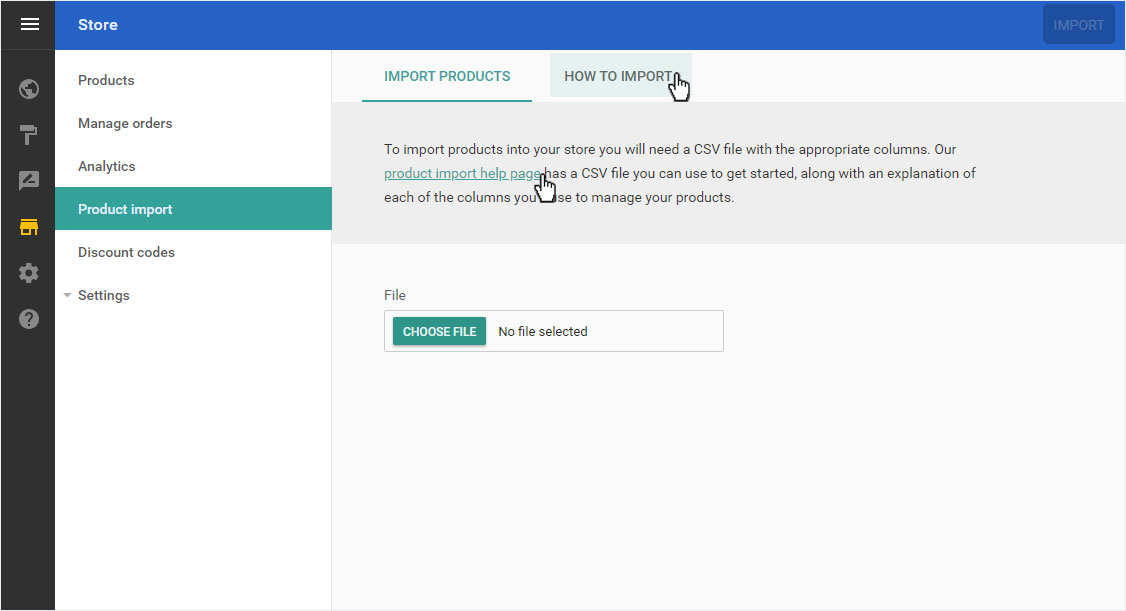
The overview page of the article import opens. Here you can upload the .csv file.
To ensure that your import works correctly, proceed according to the instructions. To do this, click either on «HOW TO IMPORT» or the link «product import help page».
3. Instruction
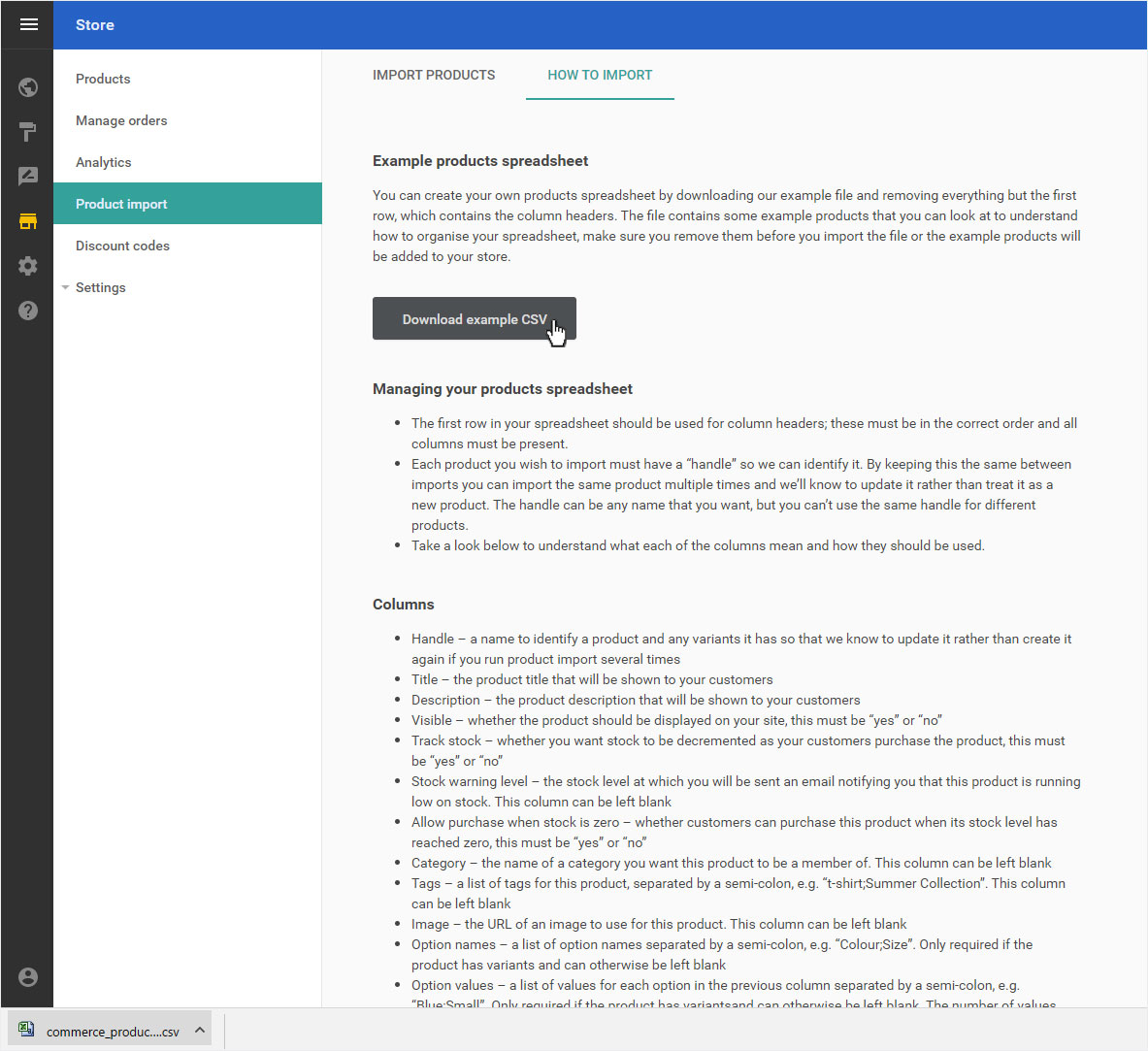
The «HOW TO IMPORT»-page will appear automatically.
Here you can «Download example CSV»-file or create an Excel sheet according to the instructions and record all your products. Then save this table as a .csv file (here e.g. test.csv).
4. Upload / Import
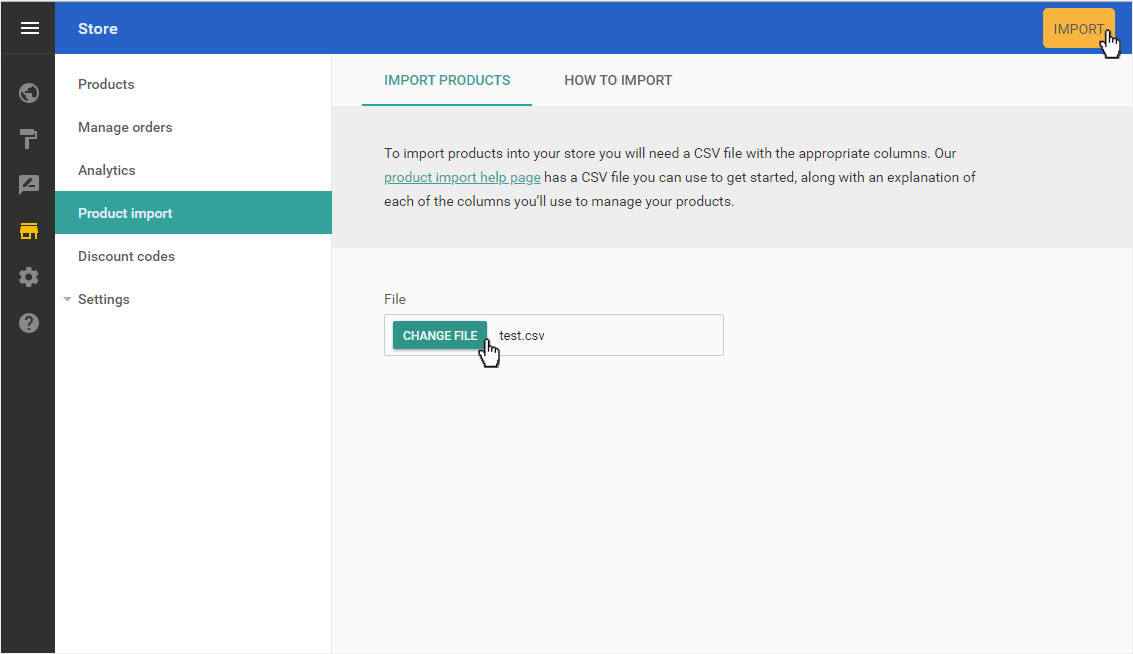
To import the file you have now created, return to the «Import products» area and click on «Choose file». Find the desired file and link it by clicking on «Open».
Then click on «Import».
5. Import process
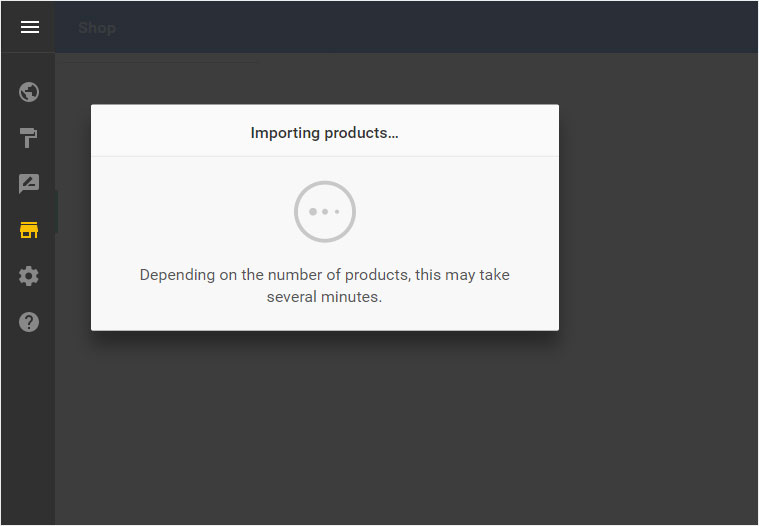
Importing may take a few minutes depending on the size of your file. During this import process you will be kept up to date with an information message on the screen.
6. Product overview
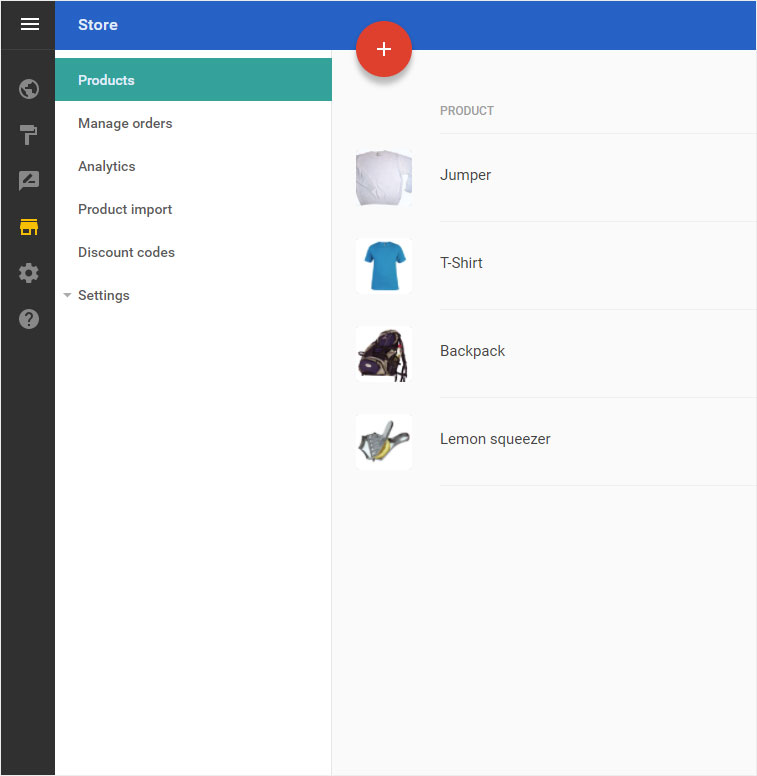
Once the import is complete, you will automatically be directed to the product overview pages.
The newly imported products appear here. You can now manage and adjust them as you wish.
Or add corresponding variants.