Activate cloud
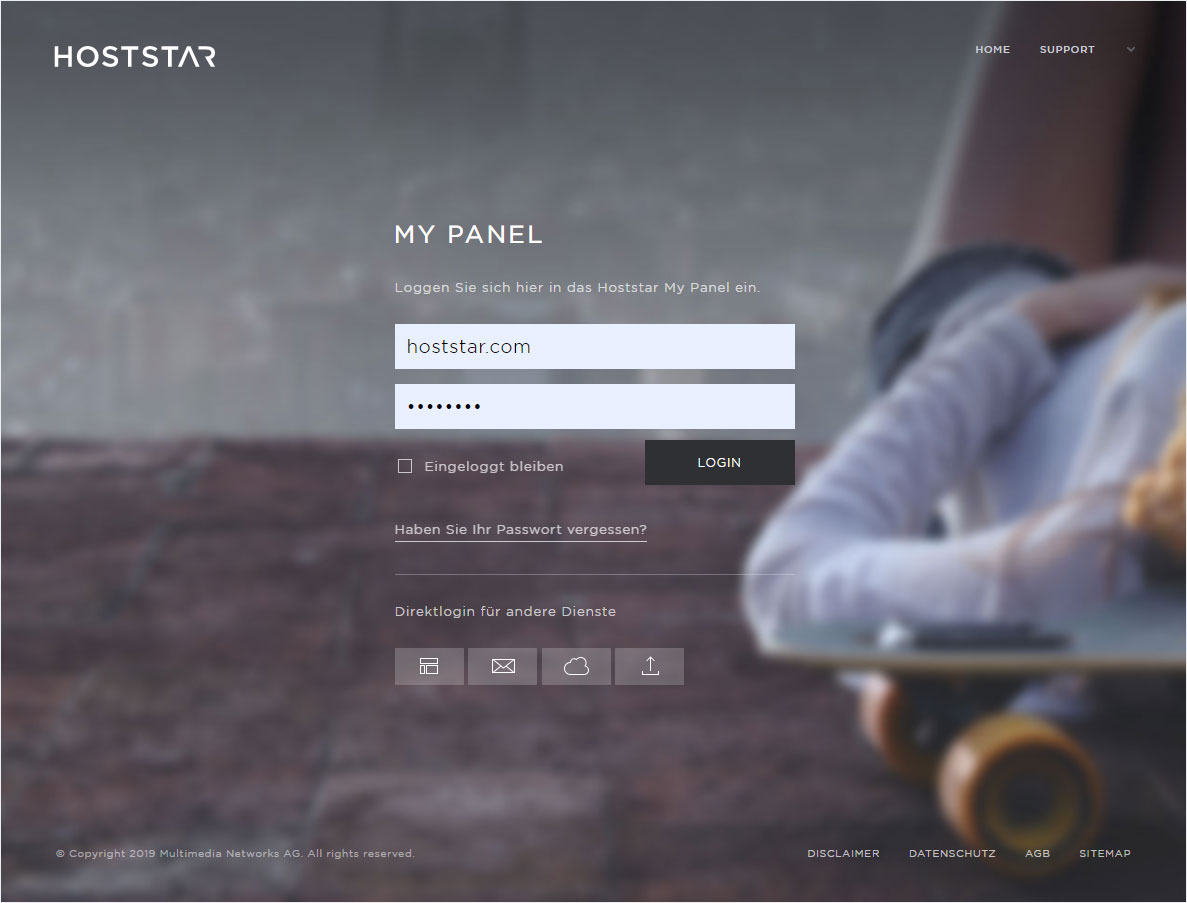
If you would like to activate your Hoststar «Cloud» subscription, follow these steps:
2. Navigate
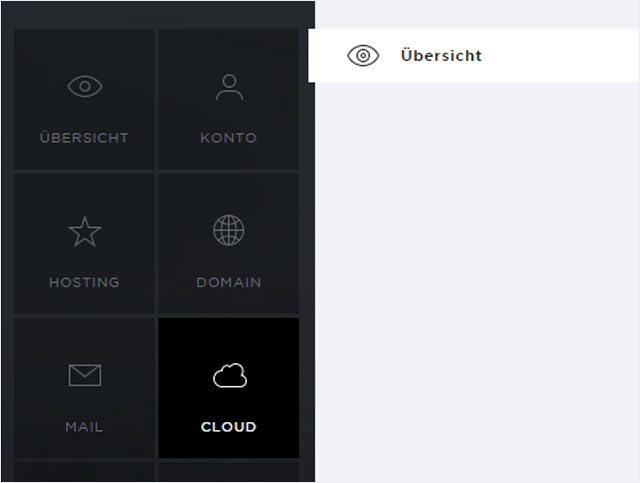
Under the «Cloud» → «Overview» menu item, you can find additional information on the Hoststar Cloud and the option of activating the Cloud.
3. Product video
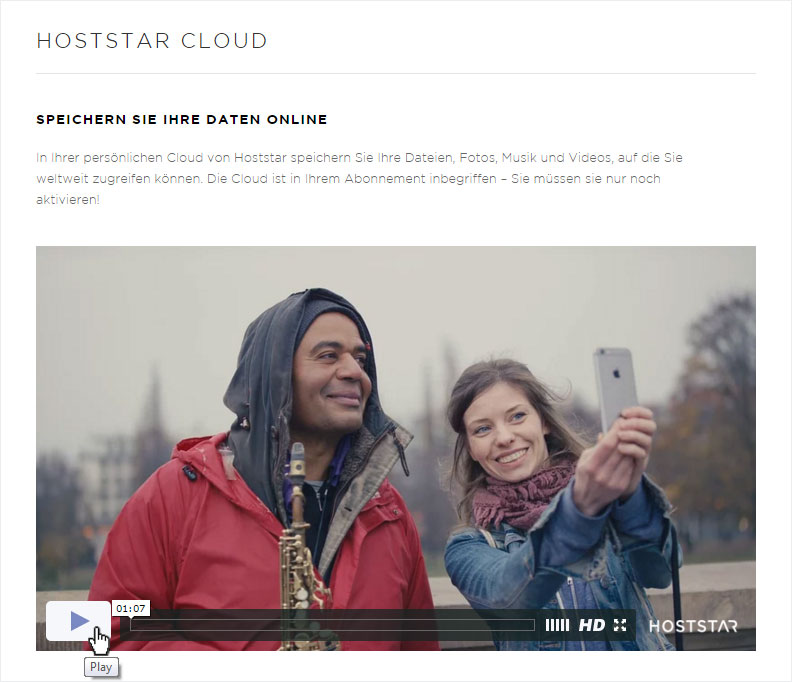
You can start by watching our product video about the Cloud.
4. Activate Cloud now for free
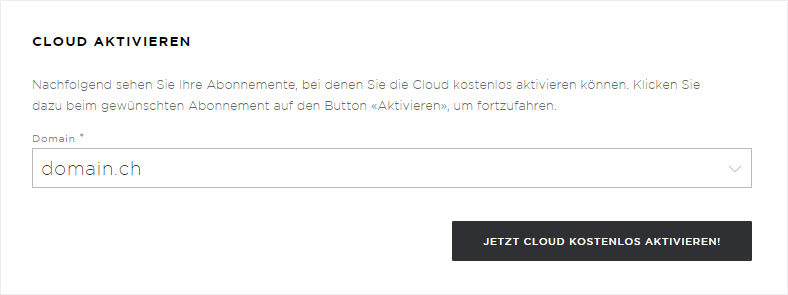
If you have more than one hosting package, choose the package for which you wish to activate the Cloud and then click on the «Activate Cloud now for free!» button.
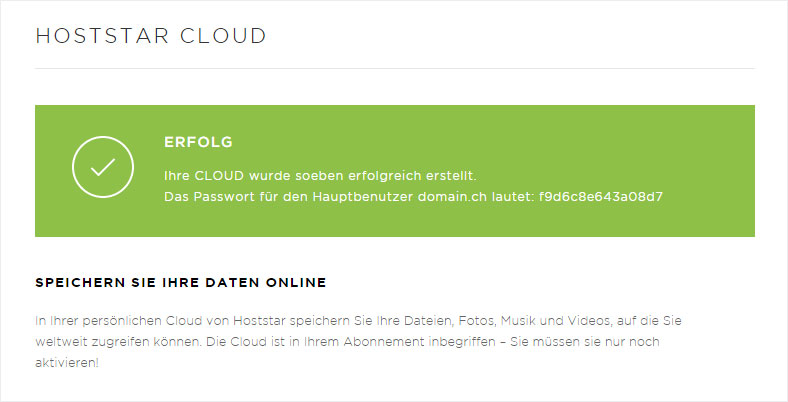
5. Cloud successfully created
After a few seconds, you will receive a message confirming that the Cloud has been successfully created, which also shows your password. Please make a note of this password or save it, as you will need it to log in. If you forget the password for the main user you can «change the password for the main user» at any time.
6. Active Cloud
When you create a Cloud, two new menu items will appear on the left-hand side: «Users» and «Login». You will also see the «Active Cloud» area displayed under the product area. Here, you can see the hosting package or domain the Cloud was created on, how much storage space you have and how much you are already using. You can also «remove the Cloud».