Designer login/logout
Would you like to create a new website using Designer? It’s really this easy! There are two ways to log into Designer. Please note the browser recommendation for editing your website with Designer.
- Minimum requirement for devices
- Browser recommendation
- Log in to Designer using My Panel
- Login to Designer using a browser
To close Designer’s editor correctly, you have to log out.
Minimum requirement for devices
In order to edit your website via Designer without difficulty, following minimum requirements have to be met by your devices:
For iOS:
- iOS9.x
- iPhone5, iPad 2 or newer ones
For Android:
- All devices in a similar class as the Samsung Galaxy S5
- Android v5 (Lollipop) or higher
For usage on a desktop:
- Minimum resolution is 1280 x 800
- Recommended resolution is 1440 x 900 or higher
Browser recommendation
Following web browsers are recommended and supported for editing your website with the Designer:
Phone and Pads:
- iPad / iPhone / iOS9 - Safari
- Android v5 (Lollipop) - Chrome
Desktop:
- Mac OSX 10.10+ - Chrome
- Windows 7/8 - Chrome
Following web browsers are not support, yet should work in most cases:
Phone and Pads:
- iPad / iPhone / iOS9 - Chrome
- Windows Phone 10 - Chrome
Desktop:
- Mac OSX 10.10+ - Safari
- Windows 10+ - Edge
- Linux - Chrome
- Alle - Firefox
We do not support the following systems:
- Internet Explorer IE 10 / 11
- any version of Opera
Log in to Designer using My Panel
If you want to log in to Designer using My Panel, follow these steps:
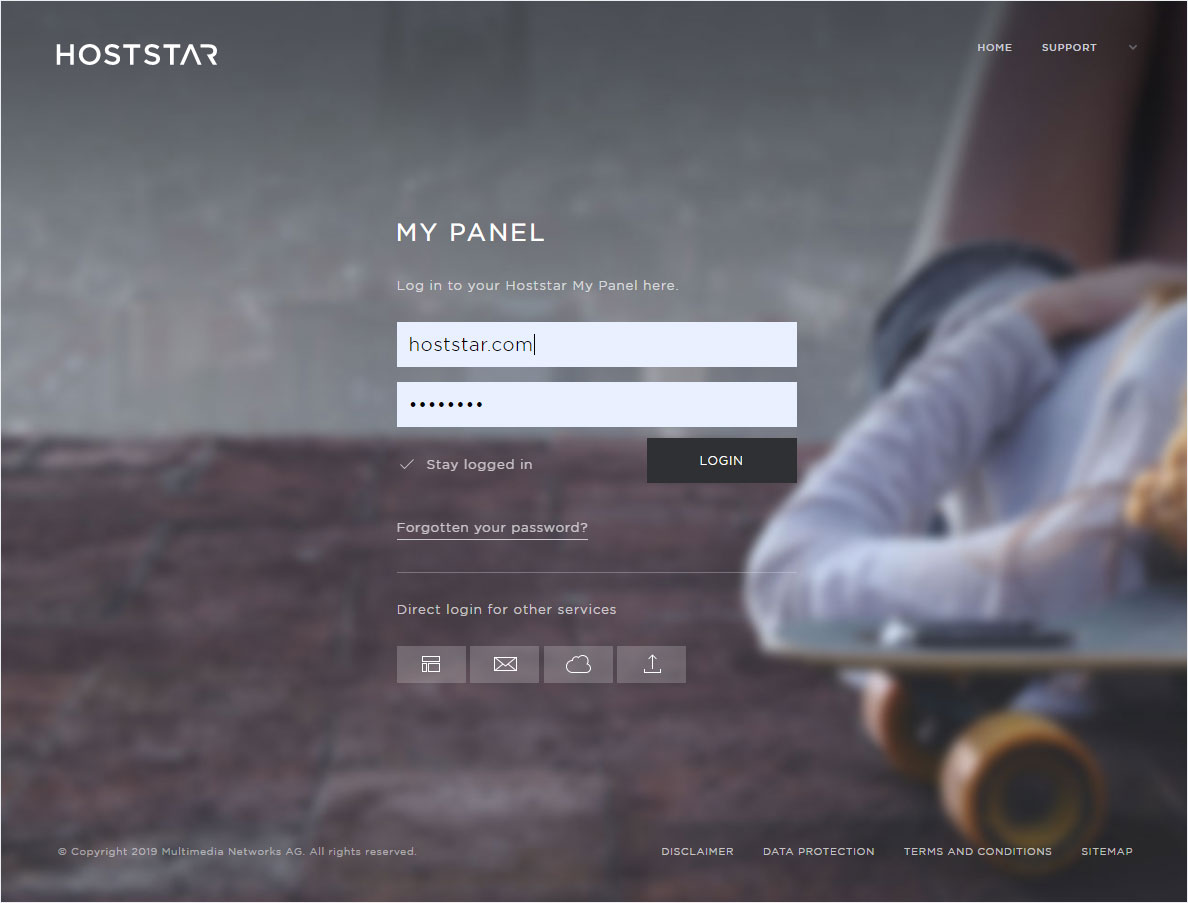
Log into My Panel (my.hoststar.ch).
(Log into My Panel)
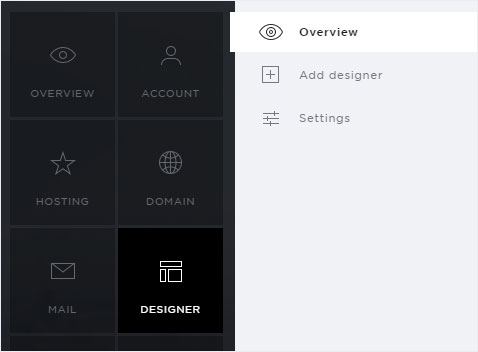
Click the menu item Designer. The overview is displayed.
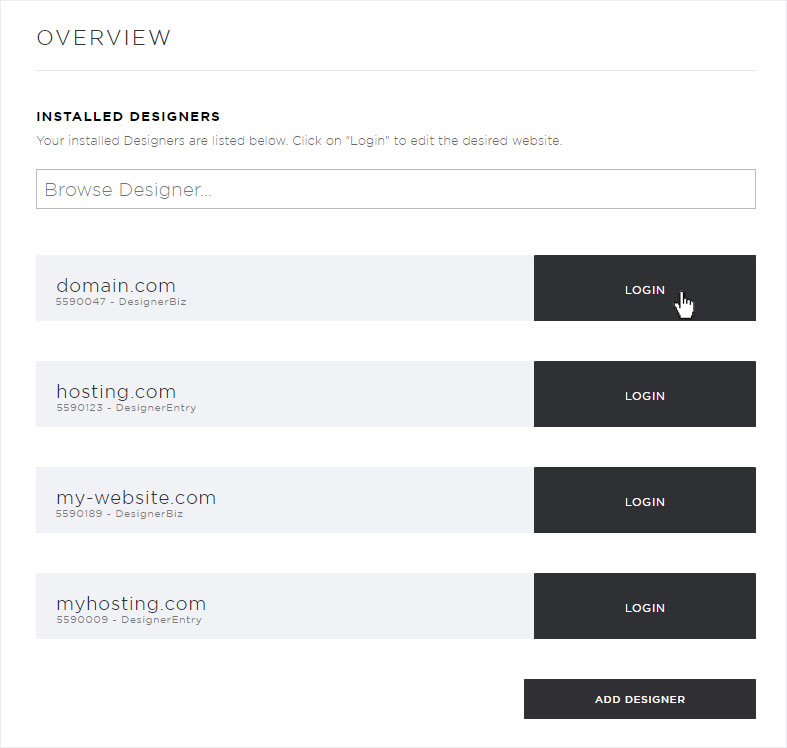
You can now see all of your Designer installations. Click Login next to the desired Designer instance.
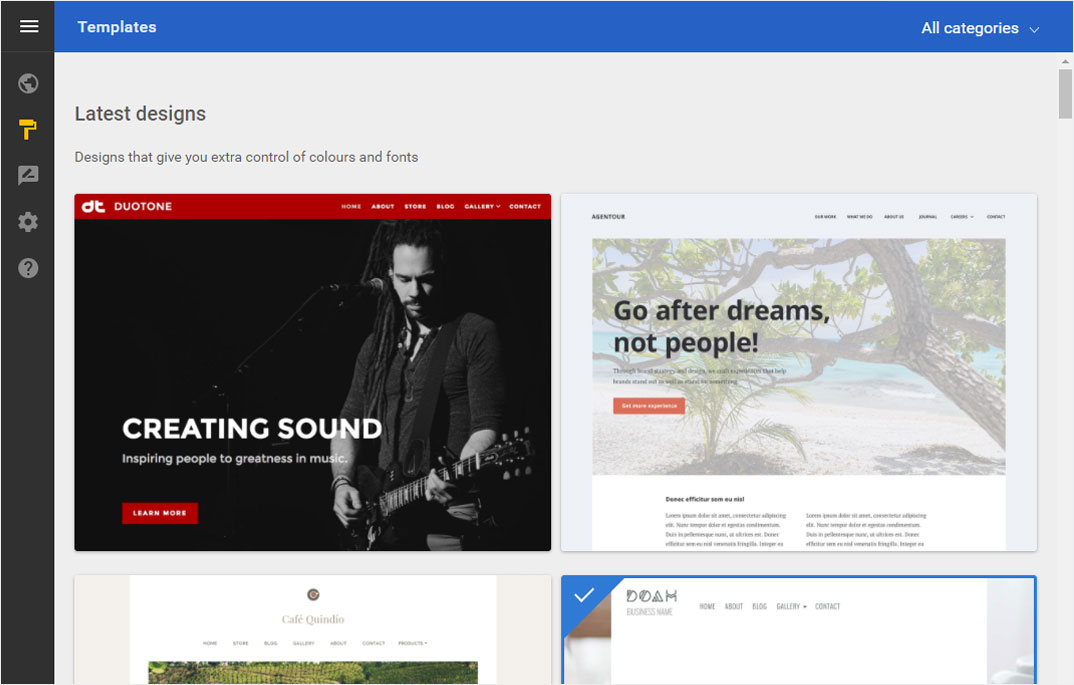
You are then automatically logged in to Designer and land on the start page of Designer’s Editor.
You can now design your website.
Login to Designer using a browser
If you want to log in to Designer using a browser, follow these steps:
Enter this address in your browser: designer.hoststar.ch.
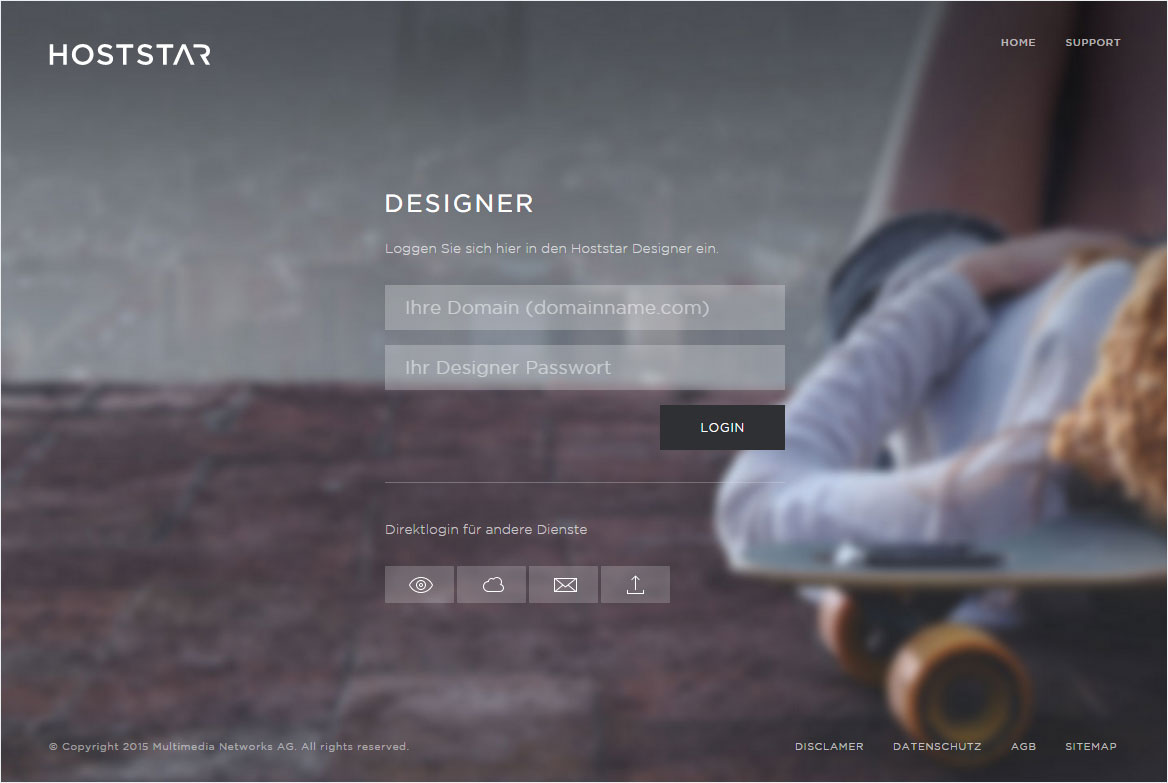
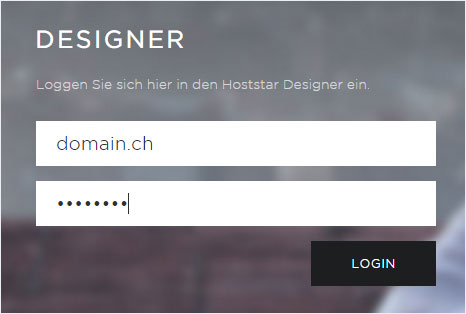
Enter the domain for your Designer installation and its password.
You receive a temporary password by email when Designer is installed.
You are then automatically logged in to Designer and land on the start page of Designer’s Editor.
You can now design your website.
Designer logout
To close Designer’s editor correctly, you have to log out. Follow these steps:
Click on the Menu icon at the top in the left corner.
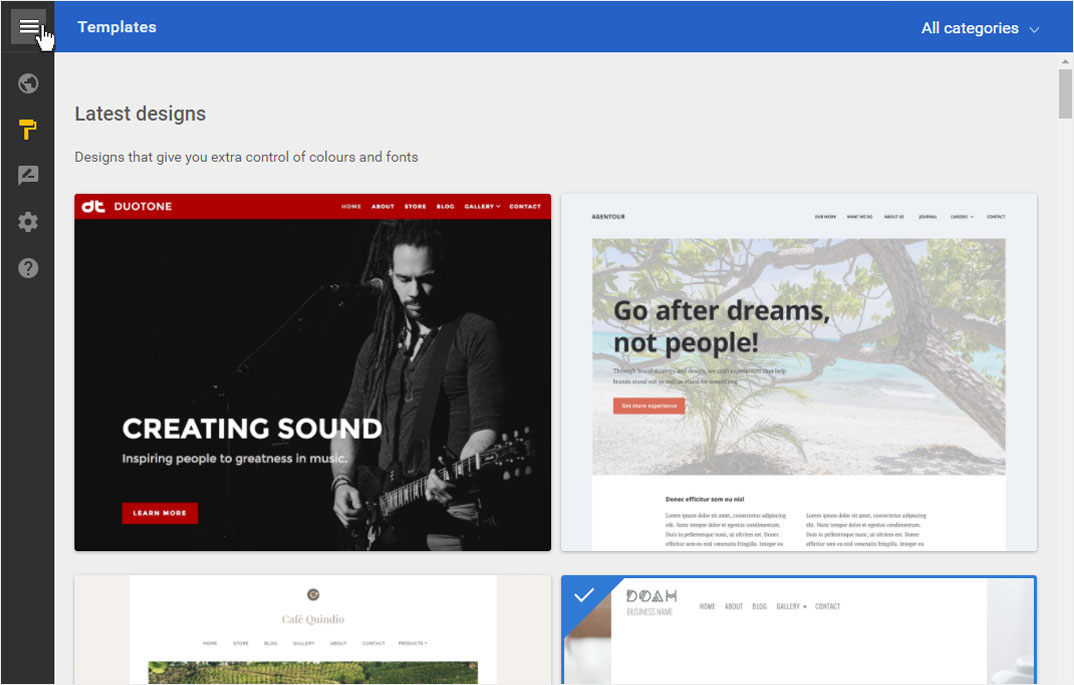
On the left site, the menu structure opens. At the bottom you will find the section My account. Click on it and the Log out button appears. Now click Log out.
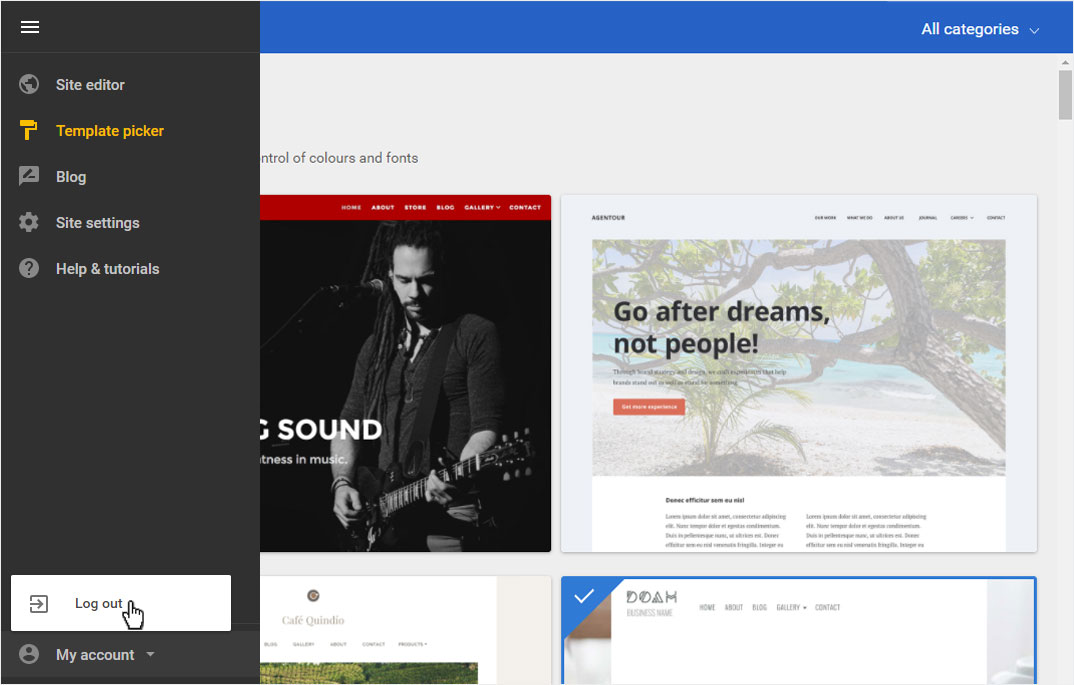
You will be automatically redirected to your website.