Set up PostFinance
Offer your customers the «PostFinance» payment method in your Designer Shop. Simple and uncomplicated payment.
After logging into Designer, follow these steps:
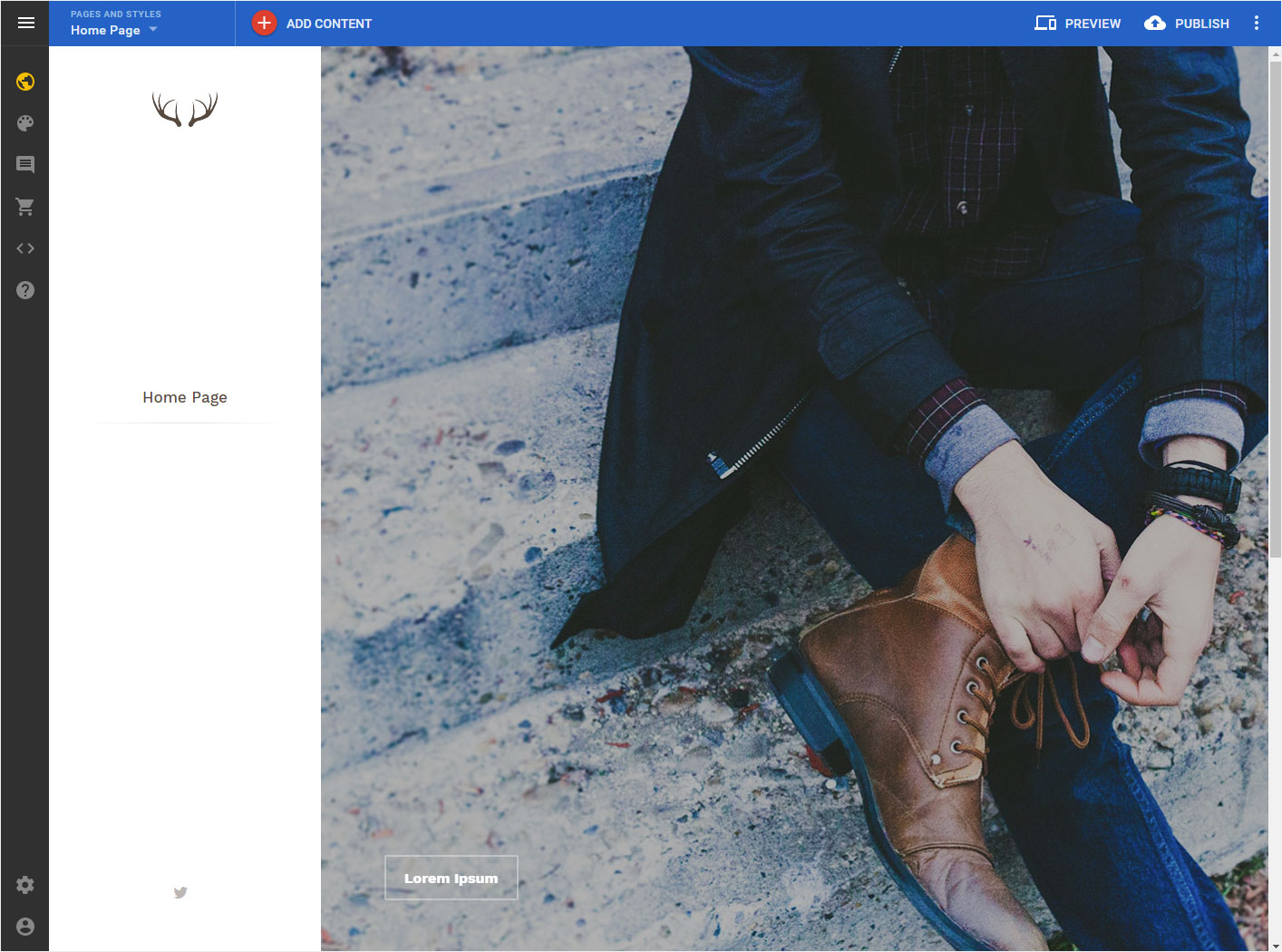
1. Start page Designer
You are in the Designer Editor on the start page and thus in the "Site Editor" area.
2. Navigation
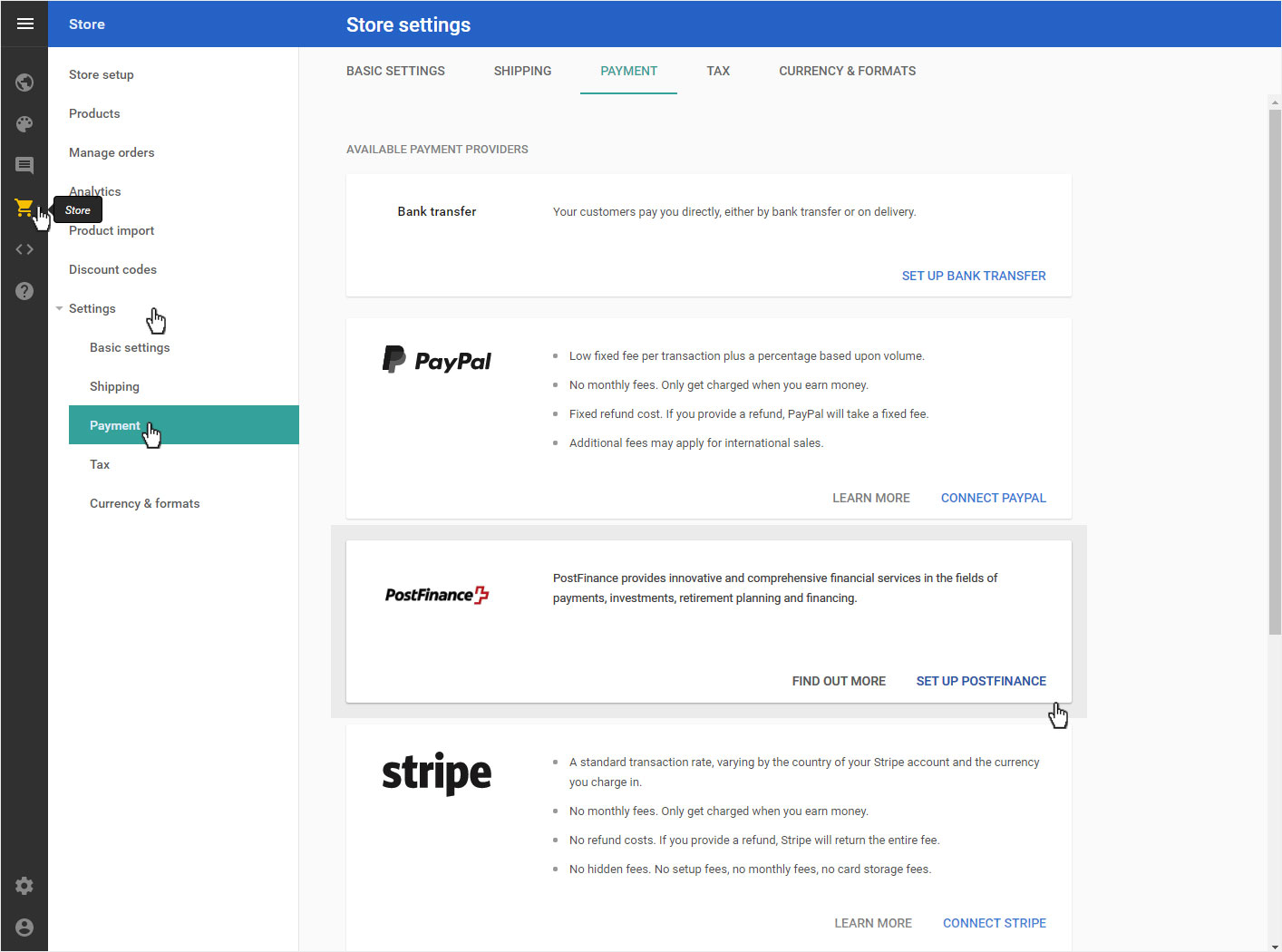
Click on the menu item «Store» on the left. There, select «Settings» and then «Payment».
The available payment providers are listed. Scroll down to «PostFinance». Click on «Set up PostFinance».
3. Set up
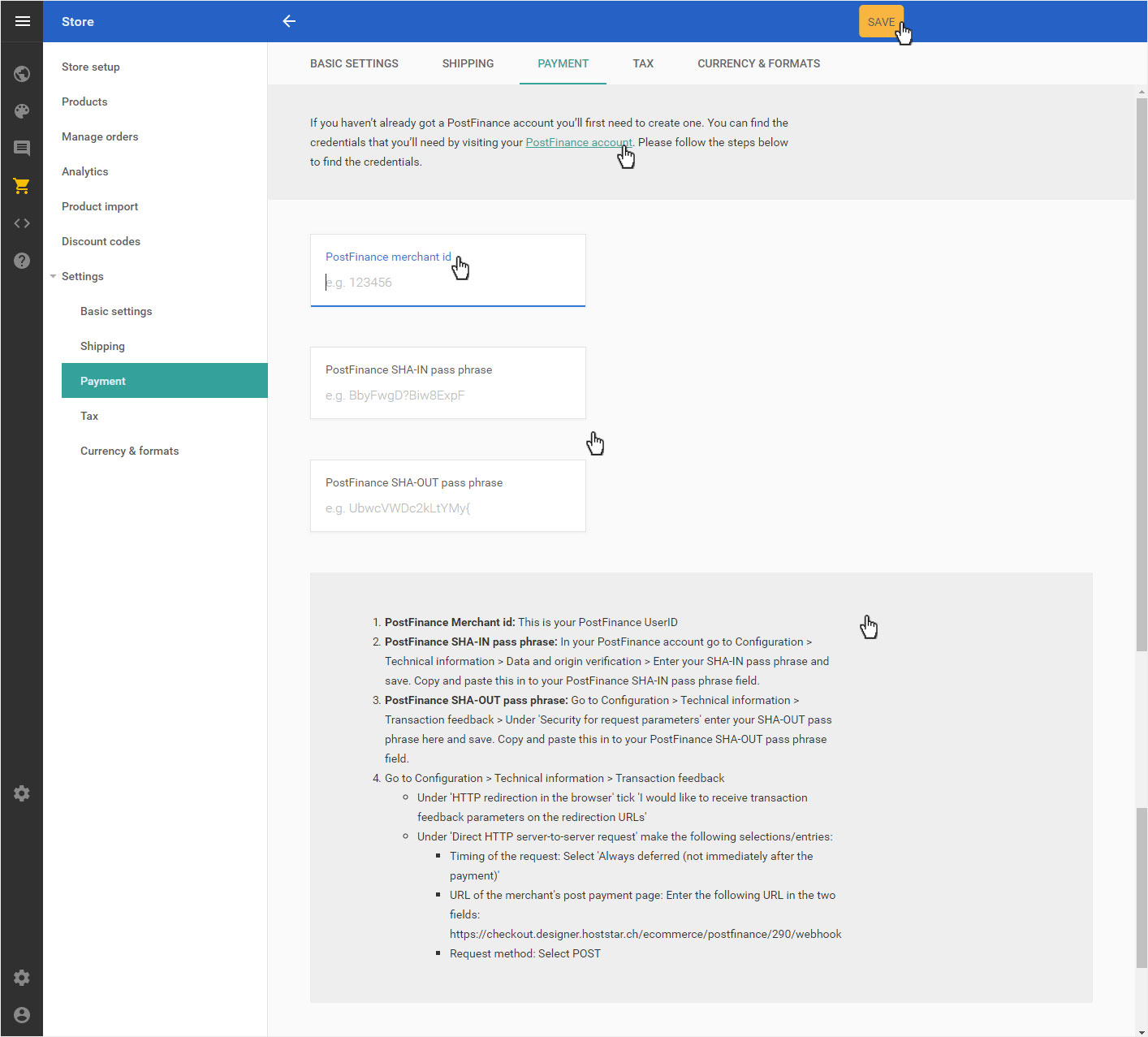
You will automatically be redirected to the overview page of the PostFinance configuration.
1. If you do not yet have a «PostFinance account», click on the Contact form link, fill it in accordingly and send it off.
2. PostFinance merchant id: Enter the name of your PostFinance e-payment account here.
3. PostFinance SHA-IN (OUT) pass phrase: Follow the exact instructions in the grey box below. Enter the desired data and make the appropriate settings in your PostFinance account.
4. Once you have added all the settings and data, click on the yellow «Save» button.
Your customers can now use the «PostFinance» payment option in your shop.