Cron Jobs
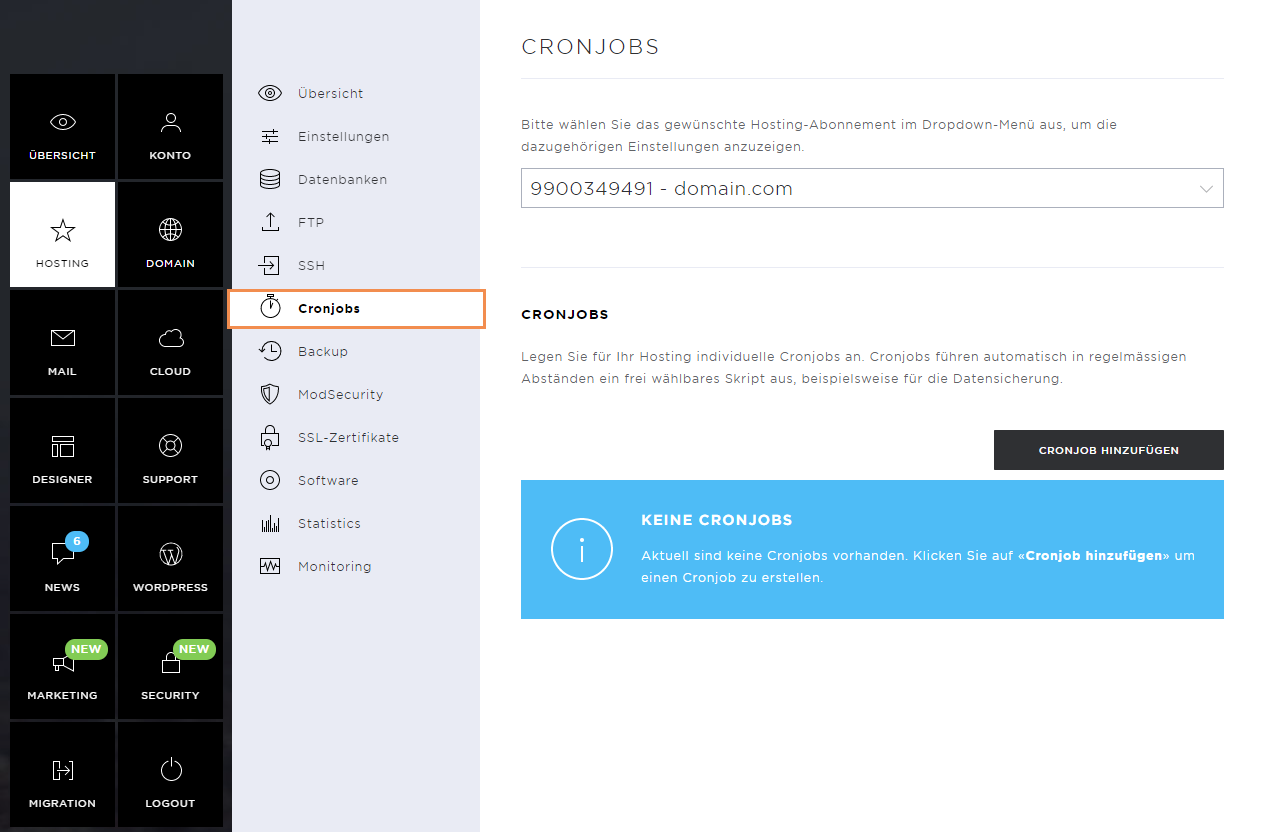
The Hosting contains the subpages: Overview, Settings, Databases, FTP, SSH, Cronjobs, Backup, ModSecurity, SSL-Zertifikate, Software, Statistics, and Monitoring.
Under Cronjobs you can create individual cronjobs for your hosting. Cronjobs automatically execute a customizable script at regular intervals. You can use them, for example, for data backups.
Cron jobs overview
Here you manage the existing cronjobs and can add new ones.
Add Cron job
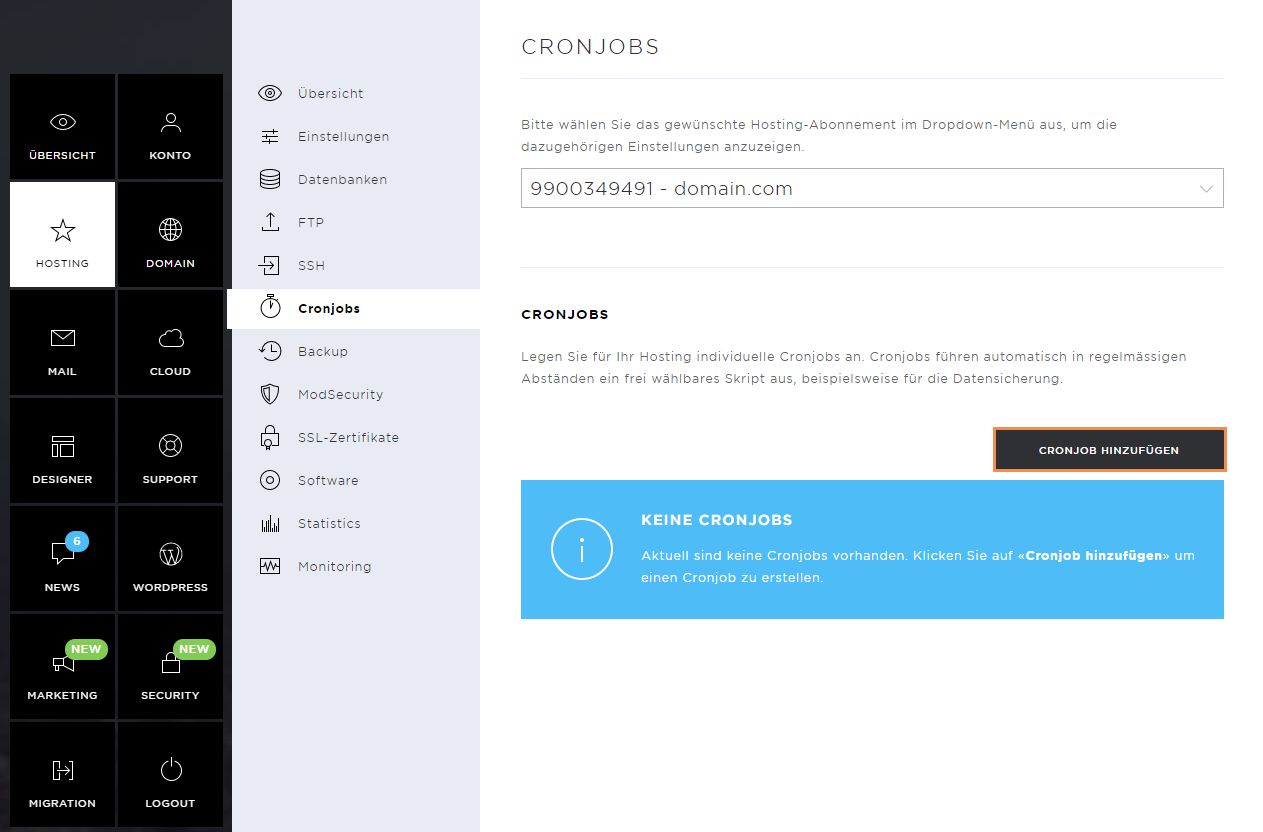
To create a cron job, click on the Add Cron job button.
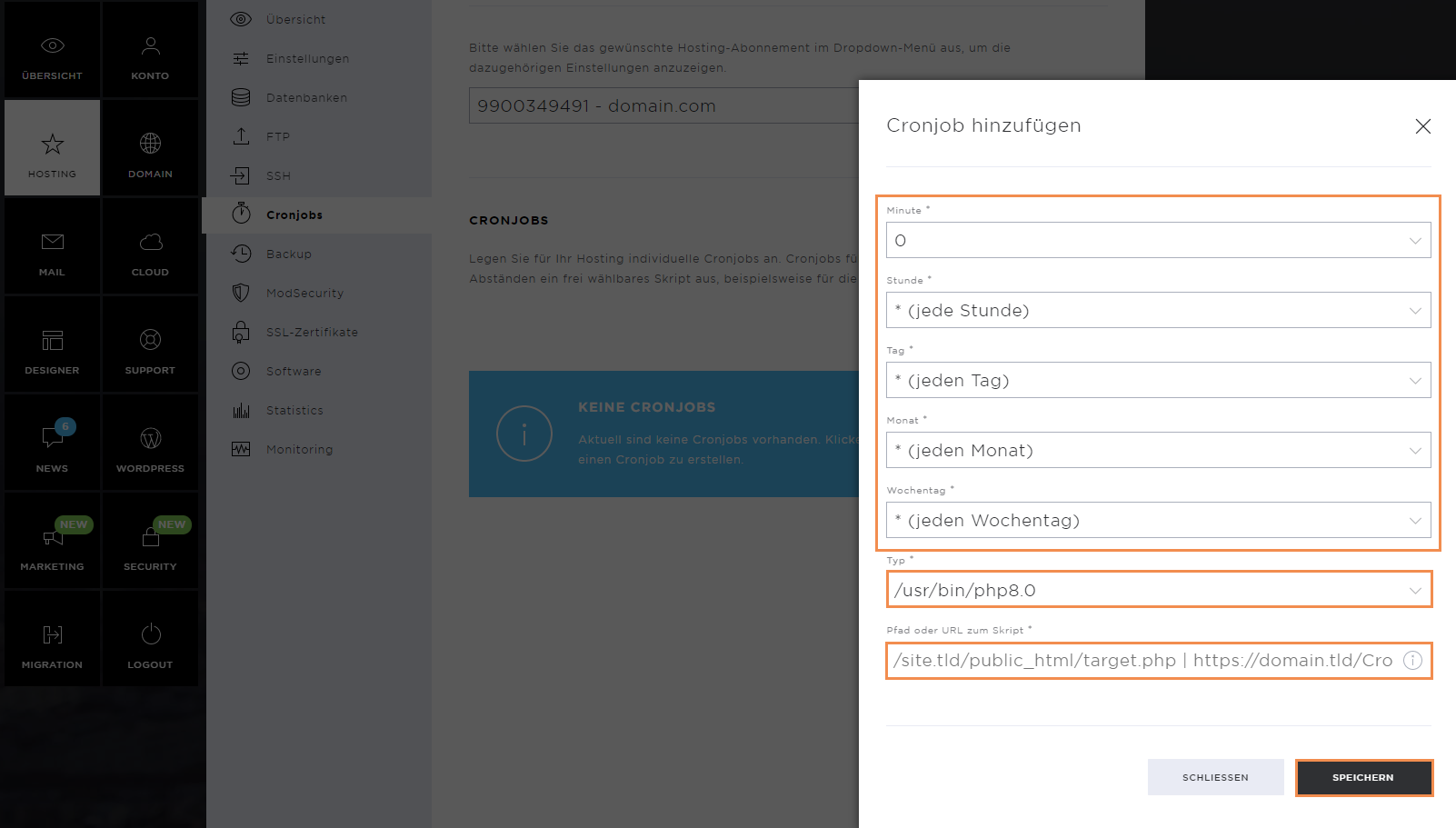
You can define at which times and dates the cronjob should be executed. You can also specify here which file is to be executed via which command.
Then click on Save.
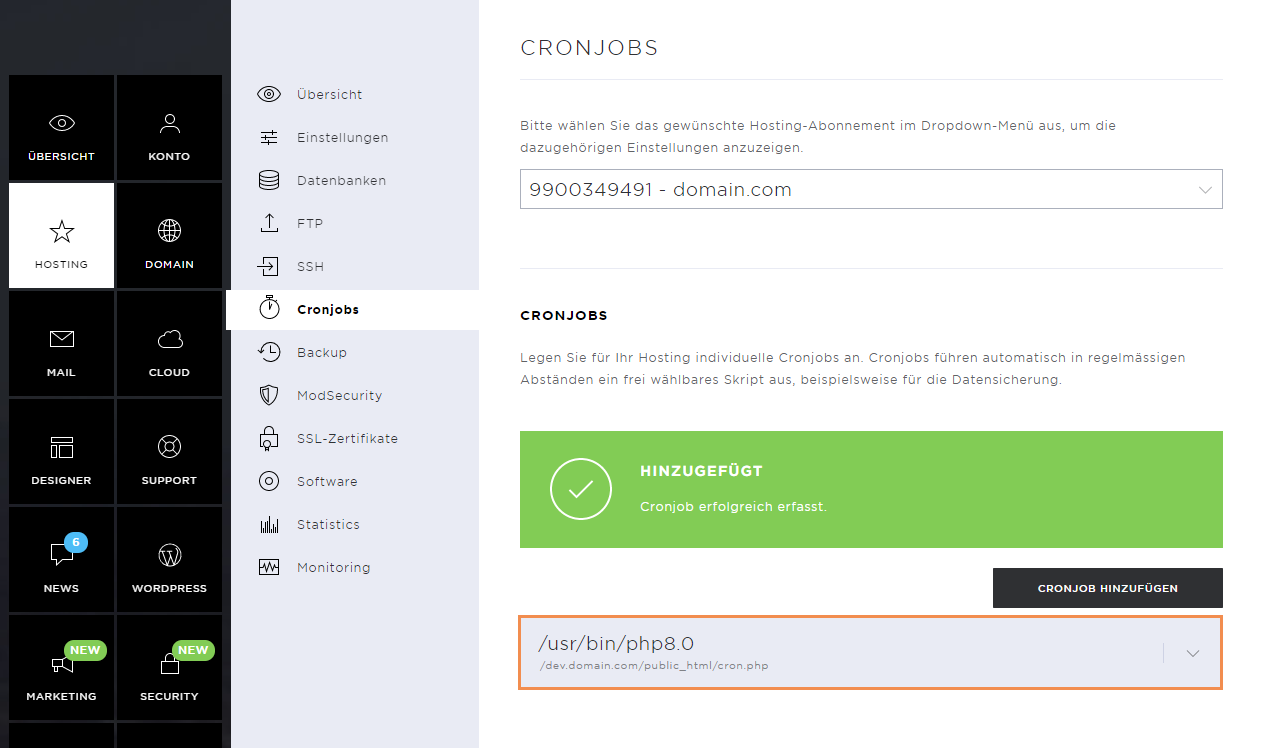
As soon as the cronjob has been deposited, a success message appears.
The new cronjob appears on the overview page.
Edit Cronjob
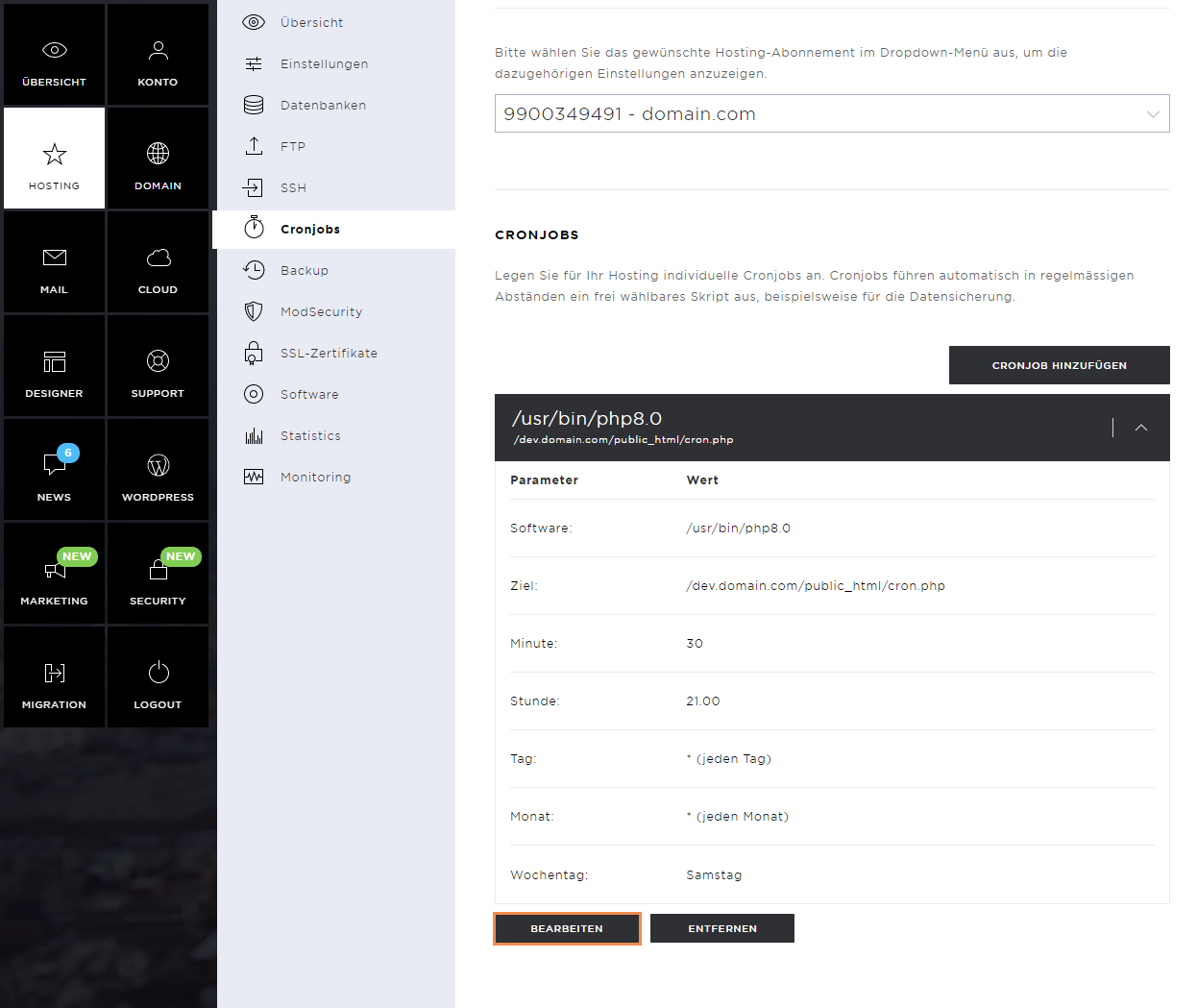
If you want to adjust a cronjob, click on it and then on Edit.
Confirm the changes by clicking on Save.
Remove Cronjob
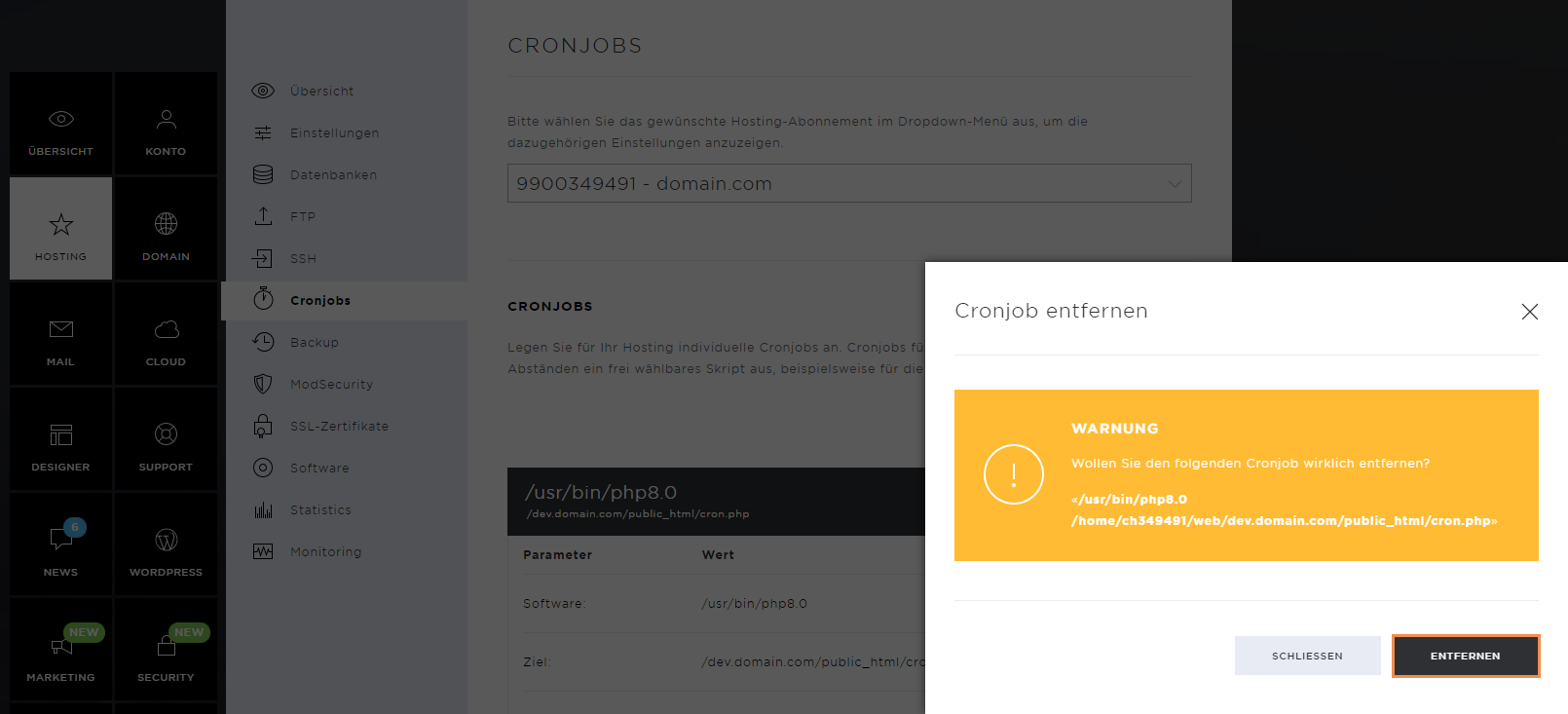
To remove a cronjob, click on Remove.
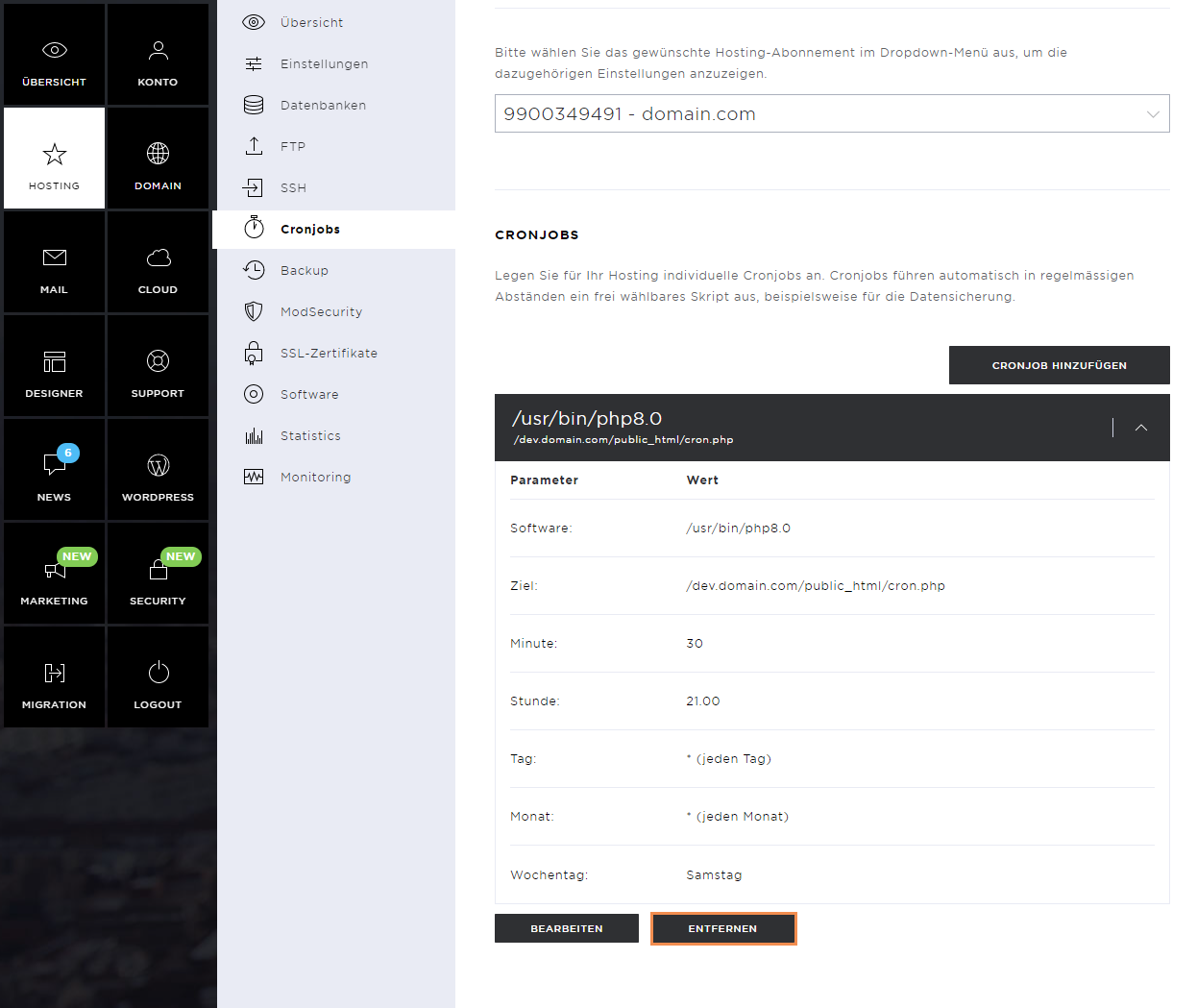
Confirm the removal by clicking on Remove again.